AI Support Metrics: CSAT, Resolution & Deflection
CSAT, first-contact resolution rate, and deflection: the 3 metrics that show whether your AI support is actually working.
On this page
- The problem with measuring AI support the wrong way
- CSAT: was the customer satisfied or just handled?
- First Contact Resolution (FCR): did the customer have to repeat themselves?
- Deflection: how many tickets did the agent resolve without involving a human?
- The secondary metrics that complete the picture
- How to track all of this in practice
- Start with the basics, scale with data
The problem with measuring AI support the wrong way
Most companies drop a chatbot into their workflow and hope for the best. Then they check the dashboard and see “1,200 conversations this month.” Pretty number. Useless.
Nobody asked if the customer actually solved their problem. Nobody measured whether the bot deflected tickets from the human team. Nobody tracked if the experience got worse.
Before scaling AI support, you need to measure the right things. Three metrics matter: CSAT, first-contact resolution, and deflection. The rest is noise.
CSAT: was the customer satisfied or just handled?
CSAT (Customer Satisfaction Score) is the direct question: on a scale of 1 to 5, how was your support experience?
Simple. Direct. It works.
The common mistake is measuring CSAT only on human-handled interactions and ignoring the AI channel. Result: you have a WhatsApp agent tanking overall satisfaction and you do not even notice.
How to measure it right:
- Ask for a rating at the end of every interaction, human or AI.
- Split CSAT by channel (WhatsApp, website, Telegram).
- Track the weekly trend, not just the monthly average.
A 4.2 CSAT on the AI agent and 4.5 on human is not a problem. It is data. It means the bot handles most cases well and humans step in on the complex ones where they add more value.
If the AI agent CSAT drops to 3.0, something broke. Could be an outdated knowledge base, a guardrail that is too restrictive, or the agent trying to answer questions it should not.
First Contact Resolution (FCR): did the customer have to repeat themselves?
FCR measures how many tickets were resolved in the first interaction, with no back and forth.
In AI support, this metric takes on another dimension. A well-configured agent resolves 60-80% of recurring questions on the spot: order status, return policy, password reset, business hours.
What tanks FCR:
- Agent without access to an updated knowledge base.
- Guardrails that block valid answers out of excessive caution.
- Missing context: the customer already gave their order number on WhatsApp and the agent asks again.
How to improve:
- Feed the knowledge base with questions the agent could not answer.
- Adjust guardrails to the right level of strictness.
- Give the agent context: conversation history, customer data, channel of origin.
High FCR means less frustration for the customer and less operational cost for you. Both sides win.
Deflection: how many tickets did the agent resolve without involving a human?
Deflection is the metric the CFO cares about. How many questions did the AI agent resolve on its own, without creating a ticket for the human team?
If your support receives 500 questions per day and the agent resolves 350, deflection is 70%. That is 350 tickets your team does not need to touch.
But watch out: high deflection with low CSAT is a disaster.
It means the agent is answering fast and wrong, and the customer gave up on complaining. That destroys retention.
The healthy target: 50-70% deflection with CSAT above 4.0. High volume, high quality.
What affects deflection:
- Knowledge base coverage: if the agent does not know, it escalates.
- Question complexity: deep technical support requires a human.
- Escalation configuration: does the agent know when to hand off?
The secondary metrics that complete the picture
CSAT, FCR, and deflection are the core trio. But three secondary metrics help you see the full picture:
Average first response time: how long the customer waits before getting the first reply. With AI, this drops from minutes to seconds. If your average time went up after implementing the agent, something is wrong with routing.
Average resolution time: how long it takes from “hi” to problem solved. An agent resolves in seconds what a human takes 5 minutes on. But if the agent stalls and then transfers, the total time explodes.
Escalation rate: how many conversations the agent passed to a human. Too high means the agent is not covering the right scope. Too low might mean it is holding back responses it should hand off.
How to track all of this in practice
Spreadsheets do not scale. You need a dashboard that updates in real time, with filters by channel, agent, and period.
In SquadOS, every external agent (WhatsApp, Telegram, website) generates automatic metrics: CSAT per conversation, resolution rate, deflection, response time, and escalations. All in a single panel, no need to cross-reference a spreadsheet on one side with a WhatsApp Business report on the other.
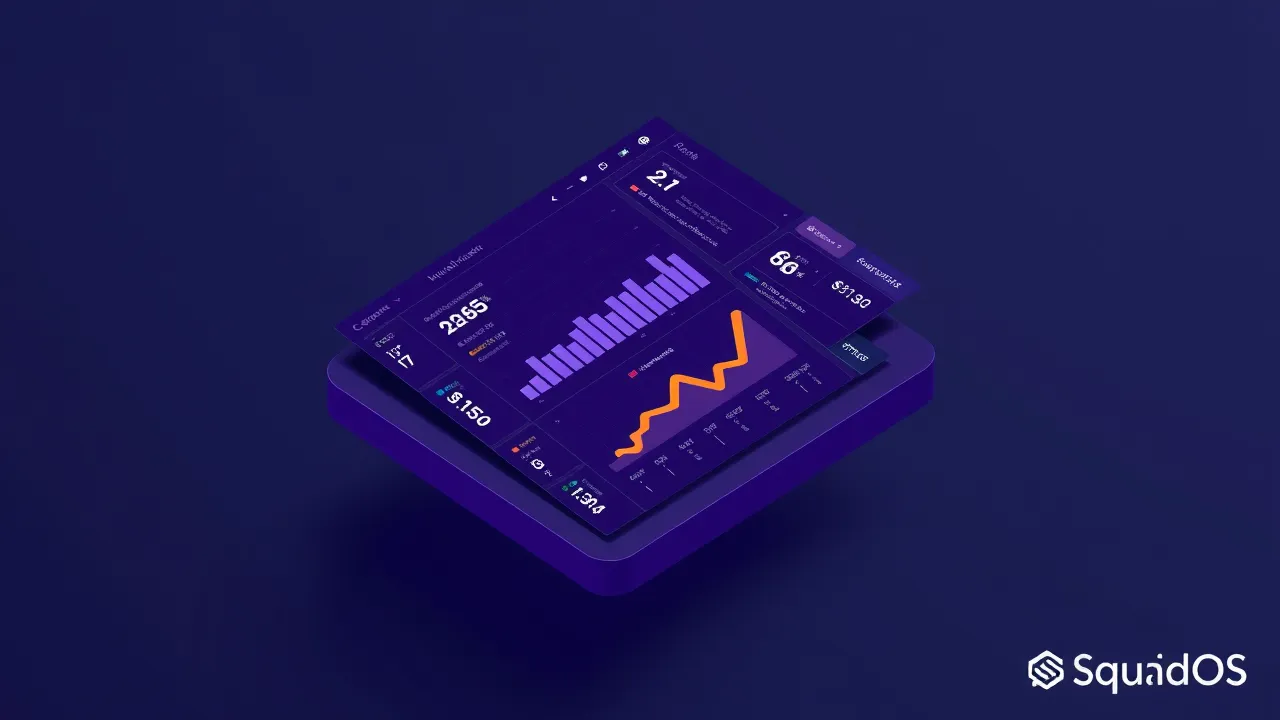
The point is: you cannot improve what you do not measure. And you cannot scale what you do not understand.
Start with the basics, scale with data
Do not try to track 20 metrics on day one. Start with three:
- CSAT — was the customer satisfied?
- FCR — was it resolved on first contact?
- Deflection — how many tickets did the agent handle alone?
Track for two weeks. Adjust the knowledge base, guardrails, and routing. Then add response time and escalation rate.
AI support is not “set the bot and forget it.” It is measure, adjust, repeat. Teams that do this right double their capacity without doubling cost.
Want to see these metrics in action? SquadOS offers external agents with an integrated metrics dashboard: CSAT, deflection, resolution, and escalations, all in one place. Start free, no credit card required.