Employee offboarding with AI: how to automate exits without losing control
AI offboarding makes sure every access gets revoked when someone leaves, instead of relying on a manual checklist. See what to automate and how to set it up.
On this page
Companies plan the arrival. Almost none plan the exit the same way. When someone resigns or gets let go, the process turns into a checklist split across three heads: HR remembers the exit paperwork, the manager remembers to pull the person from the Slack channel, and nobody remembers to revoke CRM access until three months later, when someone asks why a former employee can still see customer data.
An offboarding agent closes that gap. It knows the company’s full exit checklist and makes sure every item gets done and logged, instead of depending on the memory of whoever is already overloaded that day. Here’s what it does in practice and how to set one up.
Why offboarding leaks exactly where it hurts most

Onboarding has an obvious reason to be done well: first impressions. Offboarding doesn’t carry that emotional pressure, so it becomes the task that gets pushed to later. The problem is it carries the most expensive risk in HR: access.
Every system the person touched (email, CRM, internal tools, shared drives, chat channels, API keys) needs to be revoked the exact day they leave. In practice, that rarely happens on time. IT waits on a ticket that takes days to open. The manager remembers Slack but forgets the database access the person borrowed for a project six months ago. HR focuses on the legal side and treats the rest as “IT’s problem.”
The result is ghost accounts: former employees with an active login weeks or months after leaving. Security audits show mid-size companies commonly carry dozens of these at any given time, mostly forgotten rather than hidden on purpose. It’s the first thing a security review flags, and it’s uncomfortable to explain why nobody caught it sooner.
There’s also a less visible cost: knowledge. The person walking out the door carries the password to a legacy system, the reason behind a decision made six months ago, the vendor contact only they ever talked to. Without a process that captures this before the exit, the team finds the gap only when it needs it, usually at the worst possible time.
What an offboarding agent does (and takes off your plate)
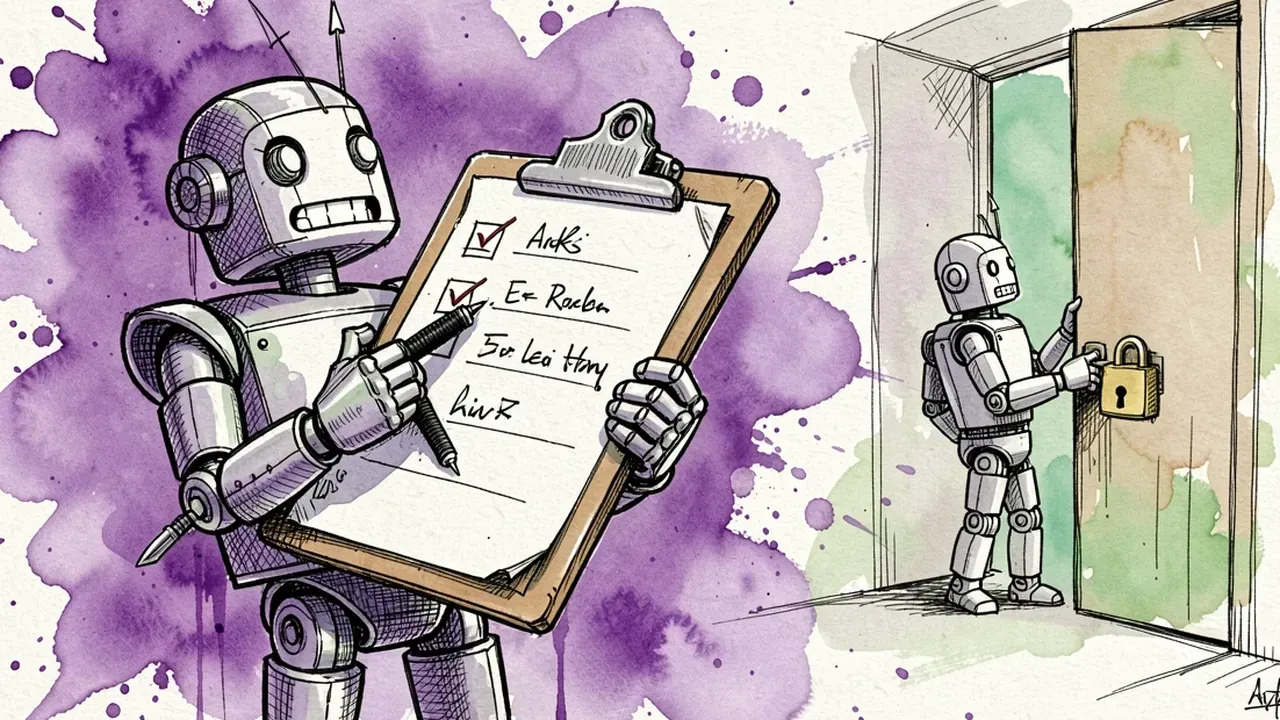
An offboarding agent tracks the exit from start to finish, matching what needs to happen against what actually happened. It doesn’t replace the human exit conversation. It handles everything that comes after it.
In practice, it covers:
- Kicking off the exit checklist the right day. As soon as the departure is logged, the agent opens the full list: revoke access, collect equipment, end benefits, schedule the exit interview, generate paperwork.
- Chasing each team for their part. IT gets the access revocation request for every system. The manager gets a reminder to remove the person from every channel and group they run. Nothing depends on “someone remembering.”
- Confirming and logging what got done. Every completed item becomes a timestamped record with an owner. If CRM access is still active three days later, the agent follows up again instead of letting it slide.
- Consolidating the knowledge handoff. Asking the manager what needs to be passed on, who picks up open items, where the files for the ongoing project live. This keeps the departing employee’s knowledge from walking out with them.
- Generating exit paperwork. Reference letters, final settlement statements, benefits continuation info, the documents former employees ask for weeks later. Having this ready on day one avoids back-and-forth emails afterward.
The win isn’t automating the termination conversation itself, that part stays human. It’s making sure nothing legal, technical, or security-related slips through just because the week was packed. A well-run exit also protects the employer brand: people who leave on good terms are the ones who speak well of the company afterward, including to future candidates.
How to set up your offboarding agent in 4 steps

You don’t need a months-long IT project for this. The path is direct:
- List every access that needs revoking. Before automating anything, map it out: internal systems, AI tools the person used, CRM, email, API keys, chat groups, physical badge. This list is usually longer than companies expect.
- Describe the agent in plain language. Say what it is (“offboarding agent, drives the exit checklist”), who it pings at each step, and the tone (direct, no small talk).
- Connect the agent to the right systems. Hook it into the channel IT and HR already use, and the tools it needs to check or trigger revocation requests against.
- Run it on the next departure and adjust. You’ll find at least one checklist item nobody had written down before. Add it to the agent’s knowledge base and move on.
On a conversational platform, these four steps turn into a setup chat: you describe the process and the agent is born with the checklist, the step owners, and the right channel already wired in.
Governance: the security risk can’t wait for “whenever we get to it”

Offboarding is the part of HR that overlaps the most with information security. A forgotten access isn’t just messy paperwork, it’s an open door.
Three safeguards handle most of the risk:
- Deadlines, not good intentions. The agent flags every access revocation with a due date (ideally the departure day itself) and escalates when it slips, instead of trusting that someone will remember.
- An auditable log of every step. Date, owner, and confirmation of each item become a record. If an auditor asks when access to system X was revoked, the answer is there, not in someone’s memory.
- Sensitive data treated as sensitive data. Reason for departure, performance reviews, and salary information shouldn’t circulate beyond who needs to know. The agent follows the same guardrails as the rest of the HR operation.
It’s worth handling two exit types differently when you configure the agent. A routine resignation can run on a normal pace: access revoked by end of day, handoff scheduled calmly. A for-cause termination or a contentious exit calls for the opposite: immediate revocation, the minute the decision is communicated, before any conversation even wraps up. The agent can treat these as two separate flows, each with its own deadline, instead of applying the same pace to both.
With those guardrails in place, offboarding stops being the company’s security blind spot and becomes just another well-run process, like everything else.
Tired of finding ghost accounts during a security audit? On SquadOS you build the offboarding agent by chatting with AgentMaker: describe the checklist, connect it to your internal tools through 100+ native integrations, and every step gets logged and chased until it’s done.