WhatsApp Business API: What It Is and How to Use It for Automated Support
The WhatsApp Business API connects your number to systems and AI to support at scale. See how it differs from the app, when you need it, and how to use it.
On this page
When a company grows on WhatsApp, it hits a ceiling. The WhatsApp Business app works for one number on one phone, with one person replying. When volume explodes and you need several agents, system integration, and AI answering on its own, the app cannot keep up. That is where the WhatsApp Business API comes in.
The API is the version of WhatsApp built for companies to support at scale: it connects the company’s number to systems, to multiple agents at once, and to AI agents. It is not an app you download, it is a connection your support platform uses. This guide explains what the WhatsApp Business API is, how it differs from what you already know, when you need it, and how to use it for automated support.
What the WhatsApp Business API is
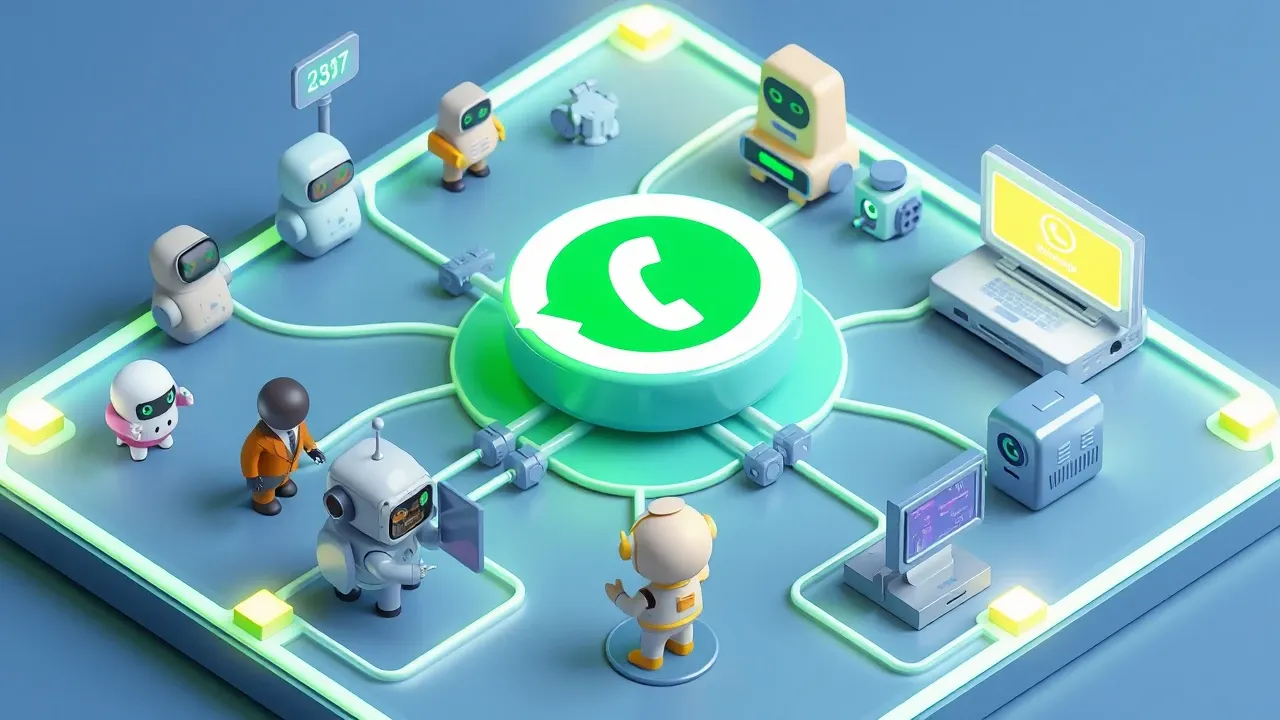
The WhatsApp Business API is Meta’s official interface that connects a company’s WhatsApp number to other systems, enabling support at scale with multiple agents and automation. Unlike the app, it has no screen of its own: it is the plumbing that links WhatsApp to the platform where the company actually handles support.
There are three ways a company can be on WhatsApp, and confusing the three is the most common mistake:
- Regular WhatsApp. The personal app. One number, one phone, no business features.
- WhatsApp Business (app). The free app for small businesses. It has a catalog, quick replies, and a business profile, but it runs on a single phone with one person replying. Great to start, bad to scale.
- WhatsApp Business API (Platform). The version for companies handling volume. With no app of its own, it connects the number to a support platform where multiple agents and AI agents work on the same number at the same time.
The confusing part: the API is not a program you open. It is a connection. You need a support platform on top of it to get a screen, an inbox, and the agents. The API is what makes it possible to have AI answering and the whole team on the same number, without running off a phone in a drawer.
When you need it
You need the WhatsApp Business API when message volume passes what one person on a phone can handle, or when you need AI and integration with your systems. As long as one agent can keep up, the Business app does the job. When it cannot, the API is the path.
The clear signs it is time:
- Volume beyond one person. Messages pile up, response time grows, and customers complain about the wait. One phone with one agent does not scale.
- Multiple agents on the same number. You want a team working on the company’s number, with conversation routing and a view of who has what. The app cannot do that.
- Automation and AI. You want an agent answering the repeated stuff 24/7, qualifying leads, and escalating the hard cases to a human. That only runs through the API.
- System integration. You need support to talk to the CRM, the e-commerce store, the order system. The API is what opens that door.
If none of that is your case yet, the Business app is enough, and migrating early just adds complexity. But the moment WhatsApp becomes a serious support or sales channel, with volume and a team, the API stops being optional. It is the difference between a number one person holds and an actual support channel.
How it works: numbers, templates, and the 24-hour window
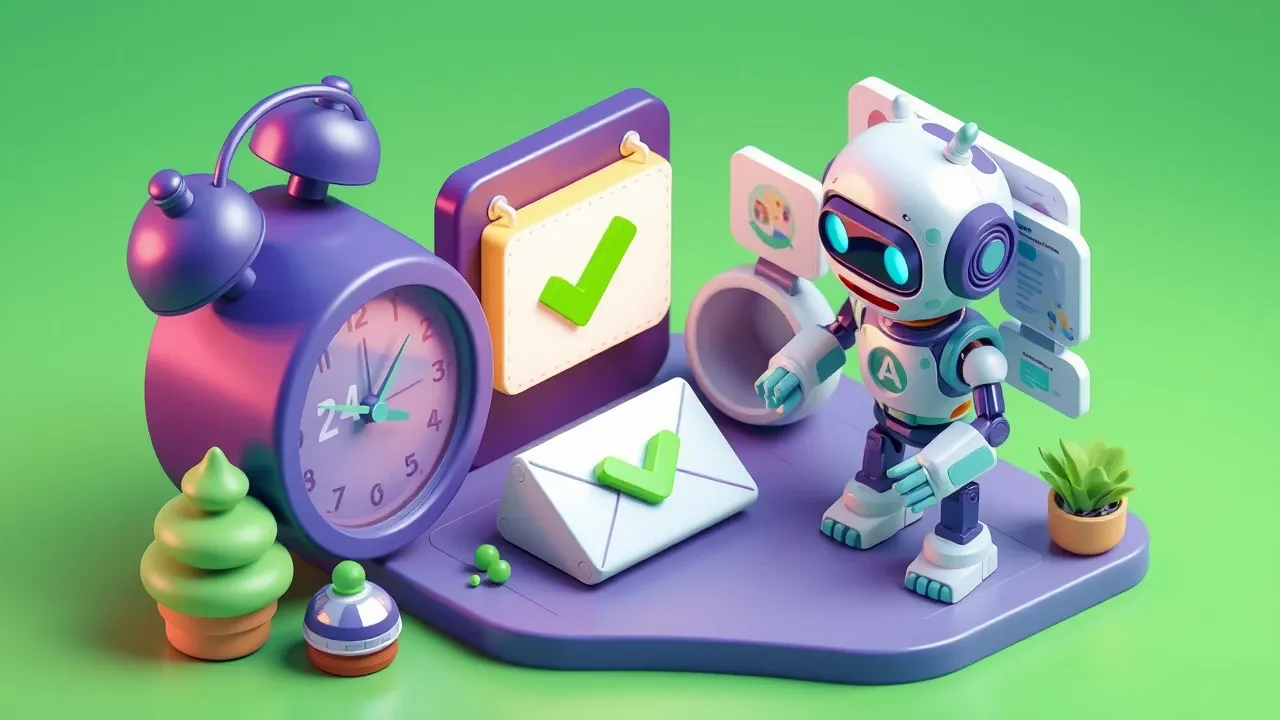
The WhatsApp Business API works with Meta’s own rules about who starts the conversation and when: within 24 hours of the customer’s last message, the company replies freely; outside that, only with an approved template message. Understanding these rules avoids the most common frustration for newcomers.
The three concepts you need to know:
- The 24-hour window. When the customer sends a message, it opens a 24-hour window in which the company can reply with any content, freely. This is the normal support window, where AI works without restriction.
- Template messages. To reach the customer outside the 24-hour window (a notification, a reminder, a callback after a day), the company can only use a template pre-approved by Meta. This prevents spam and protects the channel.
- Number and verification. The company uses a dedicated number for the API (which no longer runs on the regular app) and goes through Meta’s business verification. That is what earns the badge and the trust of an official channel.
There is a per-conversation cost set by Meta, which varies by type (customer-initiated support tends to be cheaper than business-initiated messages). The good news: you do not deal with that plumbing by hand. A support platform on top of the API handles the window, the templates, and the billing, and you focus on support. Knowing the rules exist helps you understand why the channel behaves the way it does.
How to use it for automated support with AI
You use the WhatsApp Business API for automated support by connecting the number to an AI agent platform, where the agent handles the repeated stuff on its own and escalates the rest to a human. The API gives the channel, the AI platform gives the agent.
In practice, the flow that works:
- The agent handles the first tier. Frequent questions, status, product information. Within the 24-hour window, the agent answers on the spot, in natural language, pulling from the company’s knowledge base.
- The AI escalates to a human when needed. Off-pattern case, upset customer, a decision that needs a person. The agent recognizes it and hands off to the right agent, with the conversation context already organized.
- Support connects to systems. Through integration, the agent checks the order in the e-commerce store, updates the CRM, fetches the information from the internal system. The reply comes with real data, not generic.
- Everything runs with governance. Anti-hallucination and PII guardrails protect the customer, and every conversation is logged for audit. Automated support without that is risk, not efficiency.
The shortest path there is not building the API by hand. It is using a platform that already treats the WhatsApp Business API as a native channel: you build the agent, connect the number, and automated support is live, without you programming Meta’s plumbing. The work becomes defining support well, not integrating the API.
Want to support on WhatsApp at scale, with AI, without building the API integration by hand? With SquadOS WhatsApp is a native channel: you build the support agent by chatting in AgentMaker, connect the number, upload your knowledge base, and switch on the guardrails. The agent serves 24/7 over the WhatsApp Business API and escalates to your team what needs a human, with an audit trail for every conversation.