AI Procurement Automation: How to Speed Up Quotes and Suppliers
AI procurement automation speeds up quote requests, supplier comparison and approvals. See what a procurement agent does and how to set up the flow, no system switch.
On this page
A purchase request sits waiting for a quote. The quote sits waiting for a supplier reply. The reply arrives, but nobody compared it against the other two. Procurement stalls not because the team lacks competence, but because the whole process depends on people being available at the right time, an email not getting buried among a hundred others, and a spreadsheet someone remembered to update.
An AI agent that handles the repetitive part of this flow, quoting, comparing, chasing deadlines, gives the procurement team back the time for what actually needs judgment: negotiating terms, assessing supplier risk, deciding priority. Here’s what changes in practice and how to set it up without switching systems.
Why the procurement process stalls halfway through

Procurement is a process with many hands and no single owner of the timeline. Each step depends on the last, and each one has its own bottleneck:
- Manual quoting. Someone emails three or five suppliers, waits for replies, and chases the ones who never answer. That alone eats days before any comparison starts.
- Comparison with no standard. Every supplier sends a proposal in a different format. Comparing price, delivery time and payment terms turns into manual spreadsheet work, prone to error.
- Slow approval. The request sits in the approver’s inbox while they’re in a meeting or simply missed the email. The supplier, meanwhile, is also waiting.
The combined effect is predictable: blown delivery deadlines, missed volume discounts, and the procurement team telling everyone “still checking” all day long.
What a procurement agent does in practice

A procurement agent is an AI assistant that knows your purchasing policy, your registered suppliers and your approval flow. It doesn’t decide what to buy on its own, it clears out everything repetitive before the decision reaches the person who needs to make it.
In practice, it covers:
- Triggering quote requests automatically. From a purchase request, the agent puts together and sends the quote request to the registered suppliers in that category, no one drafting emails one by one.
- Standardizing and comparing responses. Price, delivery time and payment terms arrive organized in a single format, ready for a side-by-side comparison.
- Chasing suppliers who haven’t replied. Once the deadline passes, the agent automatically resends the request, without relying on someone remembering to follow up.
- Forwarding for approval with context ready. Once the comparison is closed, the request reaches the approver already with a recommendation and history attached, ready for a fast decision.
The point isn’t to remove people from negotiation. It’s making sure a buyer’s time goes toward assessing risk and negotiating terms, not drafting emails and updating spreadsheets.
How to set up the flow without switching systems
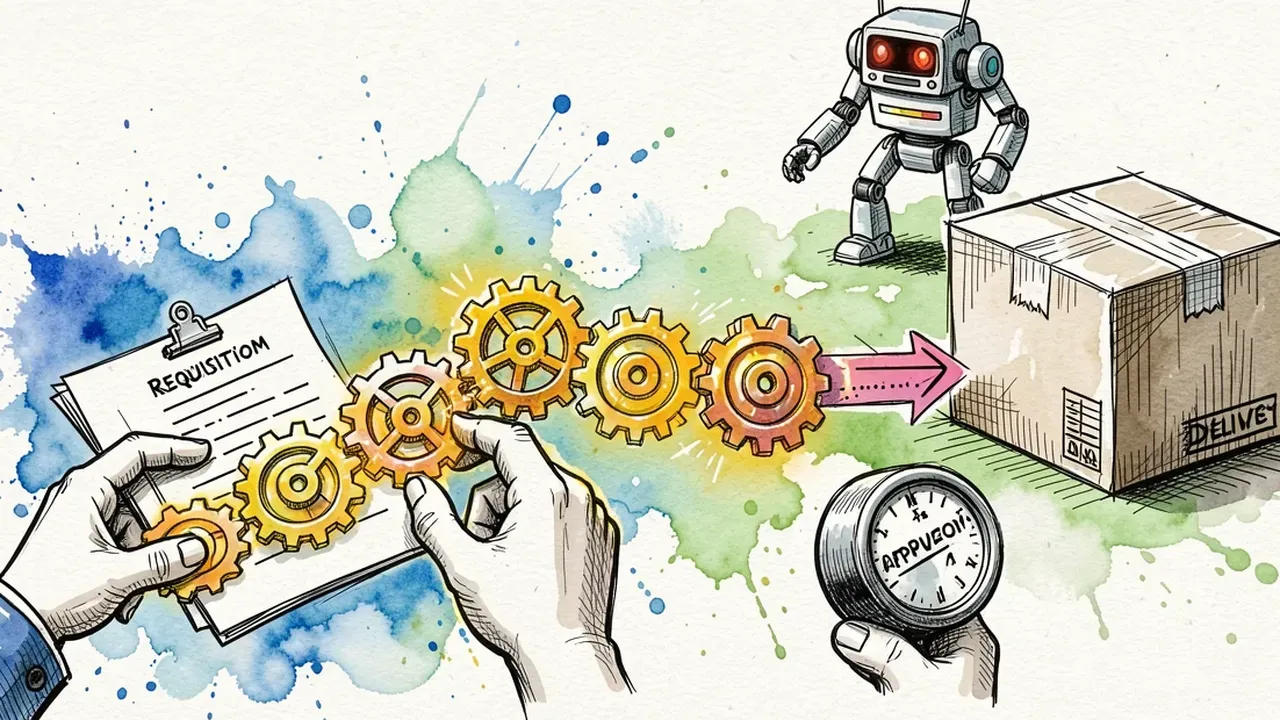
You don’t need to migrate ERPs or run a long implementation project. The direct path is:
- Describe the process in plain language. Which purchase categories go through quoting, how many suppliers to quote per category, what’s the expected response time.
- Register the suppliers and the approval policy. Who approves up to what amount, what needs more than one signature, which supplier is preferred in each category.
- Connect to the systems already in place. The agent integrates with email, the supplier’s WhatsApp, or the ERP the team already uses, no one has to learn a new tool.
- Run it alongside a purchasing cycle first. Let the agent handle quoting while the team checks the results, before taking the human hand off the process entirely.
- Adjust from the exceptions. Every quote that fell outside the standard becomes a new rule for the agent. The flow gets sharper with every cycle.
On a conversation-built platform, these steps turn into a few minutes of setup: describe the process and the agent is already connected to the right tools.
Governance: spend control without slowing the flow

Automating procurement without a clear limit opens the door to off-policy spending. Three controls handle most of the risk:
- Automatic approval ceiling. Purchases below a set amount move forward without waiting on a human approval. Above that, the request always stops with a person.
- Off-list suppliers require review. The agent won’t close a quote with a supplier outside the registered list without flagging it for someone to confirm.
- Full record of every quote. Every comparison, supplier reply and decision gets logged, ready for audit and to explain why a supplier was chosen.
With these limits in place, the agent speeds up the process without turning into a spend-control risk. Without them, speed comes at the cost of control.
Want to get your procurement team out of the email queue and back to actual negotiation? On SquadOS you build the procurement agent by chatting in AgentMaker, connect it to the suppliers and systems you already use, and turn on approval guardrails from day one. AutoLearn keeps learning from every exception in the real flow and makes each quoting cycle sharper.