Multilingual customer support with AI: how to answer customers in any language on WhatsApp and your website
How to set up multilingual customer support with AI agents: language detection, one knowledge base, where machine translation breaks, and per-language metrics.
On this page
A guest from Argentina messages your hotel on WhatsApp in Spanish at 11pm. A shopper in Germany opens your store’s chat and types in German on a Sunday. A student in the Philippines asks about your course in English full of expressions your team has never seen.
Right now each of those messages turns into one of three things: a wait of several hours until someone who speaks the language shows up, a rushed reply pasted through a translation tool, or silence. All three cost you a sale.
An AI agent solves this in a way that simply was not available a couple of years ago. It understands the message in the language it arrived in, replies in that same language, and still pulls the answer from your company’s knowledge base, which is written in just one language. This guide covers how to set that up, where it goes wrong, and what to measure afterwards.
Why multilingual support stopped being a luxury
Answering customers in their own language is not a courtesy. It is conversion. CSA Research’s “Can’t Read, Won’t Buy” survey of 8,709 consumers across 29 countries found that 76% prefer to buy products with information in their native language, and 40% said they never buy from websites in another language.
That applies to far more businesses than the obvious global brands. Some everyday cases:
- Hotels, guesthouses and travel agencies get guests from neighboring countries all year, and a growing share of direct bookings starts with a question on WhatsApp.
- E-commerce stores that ship abroad (fashion, crafts, supplements, digital products) get customers arriving through Instagram and the website in two or three languages.
- Online courses and digital products sell across borders where the same language changes enough to confuse an FAQ written for one country (US and UK English, Spanish from Spain and from Mexico, Portuguese from Brazil and from Portugal).
- Clinics, schools and real estate agencies in border or tourist cities serve customers whose first language is different every single day.
- B2B companies with suppliers or partners abroad exchange messages with people who are not on the sales team and were never hired for their language skills.
The old fix was hiring bilingual support staff. It works, but it scales badly: every new language is a new hire, and coverage outside business hours always falls into the same gap. WhatsApp is used in more than 180 countries, and the foreign customer shows up in the channel you already use. The question is not whether they will write in another language. It is what happens when they do.

How an AI agent replies in the customer’s language
The agent detects the language from the text of the message and replies in that same language, without anyone having to build a separate flow per language. This works because current language models (GPT, Claude, Gemini, DeepSeek) are multilingual by construction: they were trained on dozens of languages at once and move between them inside a single conversation.
In practice the flow looks like this:
- The customer writes in Spanish. The agent identifies the language from the content, not from a flag, the phone number’s country code, or the device settings.
- The agent checks the knowledge base, which is written in English. It reads the cancellation policy, the price table or the FAQ exactly the way you wrote it.
- It replies in Spanish, with the correct information, in the tone you defined.
- If the customer switches language mid-conversation, the agent follows. A customer who starts in French and moves to English gets the next reply in English.
Step 2 is where the real win is. You do not need to translate your knowledge base into every language. One well-written knowledge base in English serves customers in Spanish, French, Portuguese, German or Italian. Keeping a single version is what makes multilingual support sustainable: when a price changes, you update one document, not five.
Two settings that make a difference at this stage:
Define the agent’s default language. When a message is too short to detect (an “ok”, an emoji, a number), the agent needs a rule: reply in the language of the conversation so far, or in the default language if it is the first message.
List the languages you actually support. An agent that replies in 40 languages sounds great until a customer writes in Thai and nobody on the team can review the conversation afterwards. Restrict it to what your operation can follow and escalate. For most companies, English, Spanish and one or two more cover the vast majority of volume.
Where machine translation breaks (and how to prevent it)
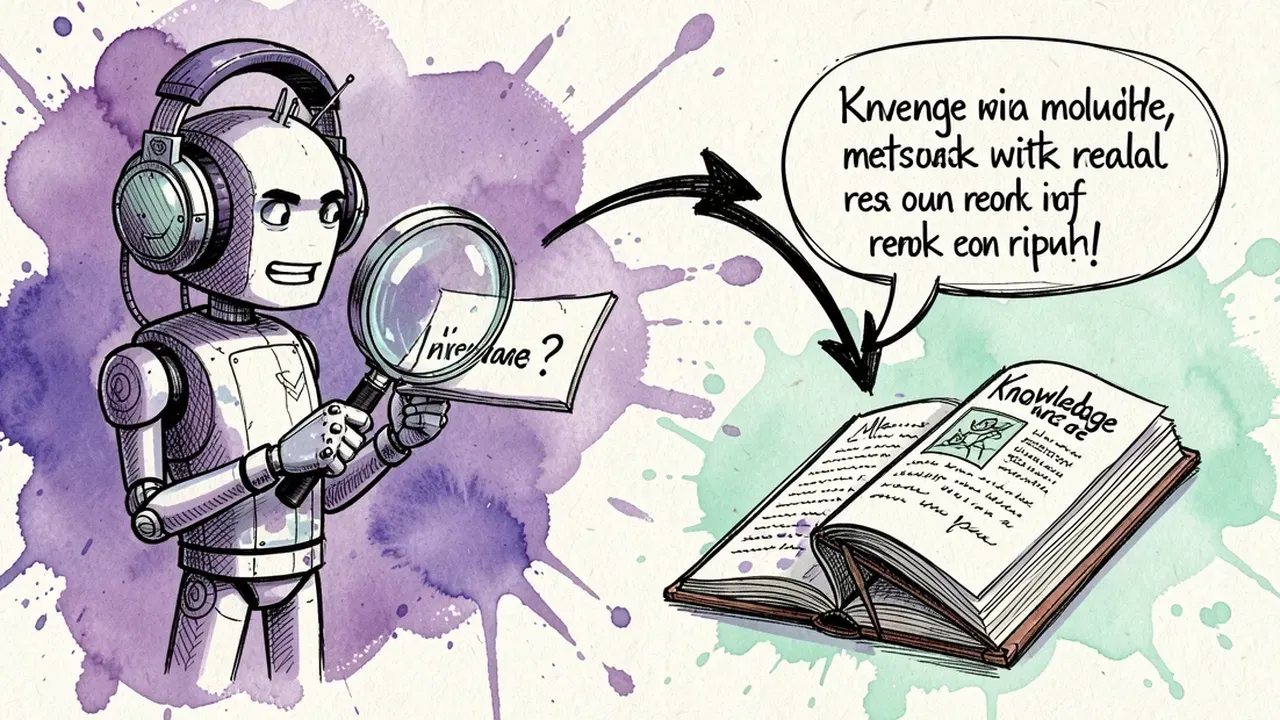
The model translates sentences very well. What it gets wrong are the things that are not in the sentence: product names, regional slang, number formats and legal terms. Those are the places where multilingual support embarrasses you, and each one has a simple prevention.
Product and plan names. A plan called “Essentials” should not become “Esenciales” in the Spanish reply, because the customer will look for that name at checkout and not find it. Fix: the knowledge base lists the proper nouns that are never translated (products, plans, modules, the company name). One line in the agent’s instructions does it: “product and plan names always stay in English”.
Number, date and currency formats. “$1,500.00” needs to stay clearly US dollars, not become “1.500,00” and read like euros. “05/03” is May 3 in the United States and March 5 in most of Europe. Instruct the agent to spell out the currency (US dollars, USD) and write the month as a word when replying in another language.
Regional variants of the same language. Spanish from Argentina uses “vos”, Spanish from Spain uses “vosotros”, and Mexican Spanish uses neither. British and American English differ on spelling and on everyday words. The agent handles this well if the instruction says something like “when serving a customer from Argentina, use Argentine Spanish”. Without that instruction it tends to default to a neutral variant, which works but loses the natural feel.
Legal and regulatory terms. “VAT”, “W-9”, “SEPA” or local tax IDs often have no clean equivalent. A reply that invents a translation confuses the customer abroad and does not help the one at home. The agent should keep the original term and explain it in one sentence (“SEPA, the European bank transfer system”).
Tone of voice. A company that uses first names and emoji in English may sound too casual in formal German, or too stiff in Brazilian Portuguese, where warmth is expected. A per-language tone guardrail fixes this: the same agent can be relaxed in English and a little more formal in German.
The rule that prevents most problems: test the agent with 20 real messages in each language before turning the channel on. Pull old WhatsApp conversations, paste them in and see what comes out. Name, number and tone errors show up in the first five.
How to set it up in practice
The steps below work for WhatsApp, Telegram and website chat, because the agent is the same. Only the channel it is plugged into changes.
- Write the knowledge base once, in your main language. FAQ, return policy, prices, delivery times, opening hours. The clearer it is in the source language, the better the reply in any other.
- Create the agent and define its languages. In the agent’s instructions, list the languages it supports and the default one. Include the proper-noun rule and the currency and date rule.
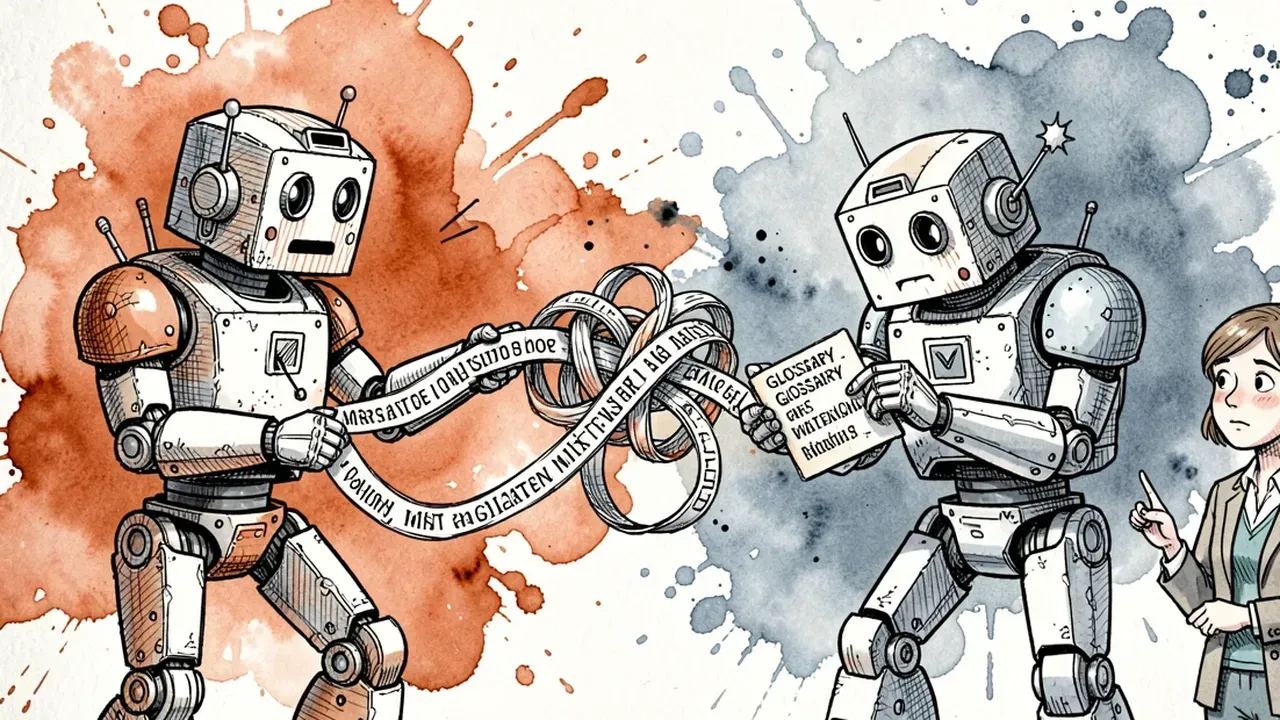
- Add a short glossary. A list of 10 to 30 terms that are never translated (products, plans, tax terms, industry jargon), each with a one-line explanation.
- Set guardrails per language. Tone of voice, form of address (formal or informal), and what the agent must never promise, regardless of language.
- Define the handoff. When a conversation needs a human, does it go to someone who speaks that language? If nobody does, the agent tells the customer, in which language, and with what timeframe? Deciding this upfront avoids the situation where a foreign customer gets transferred to an agent who cannot continue.
- Test with real messages. The 20 messages per language from the previous section.
- Turn the channel on and watch the first week closely. Read the conversations in other languages daily for the first few days, even if you need help reading them. That is where the errors the test did not catch appear.
All of this fits in an afternoon. What takes time is not the configuration, it is a well-written knowledge base. If you already have one, the rest is fast.
What to measure per language
A single global metric hides the problem. If 90% of conversations are in English and the agent does great in them, the overall number looks fine even if Spanish support is poor. Split everything by language:
| Metric | Question it answers |
|---|---|
| Volume per language | How many conversations per week in each language? Worth adding languages, or dropping one? |
| Resolution rate without a human | Does the agent resolve on its own in Spanish at the same rate as in English? |
| Escalation rate | Does the agent hand off to humans more often in one language? A sign of a weak knowledge base or wrong tone. |
| First response time | Should be identical across languages. If it is not, something in the flow is holding it back. |
| CSAT per language | Do foreign customers rate the experience lower? Where exactly? |
| Manual corrections | How many times did a human have to fix a reply in another language this week? |
The comparison between languages is what matters. A large gap in resolution rate points to a knowledge gap (a common question in Spanish that the English FAQ does not cover) or to a vocabulary error the initial test missed. In both cases the fix is in the content, not in the model.
After a month you will probably notice that foreign customers ask different questions than local ones: international shipping, payment without a local tax ID, support hours in their time zone. Those questions become new entries in the knowledge base, and support in that language improves without you touching the agent.
If your company gets messages in other languages and today they wait until someone shows up, you can fix that this week. SquadOS external agents answer 24/7 on WhatsApp, Telegram and your website, reply in the customer’s language from a single knowledge base, and ship with native guardrails for tone and sensitive data.