
Skip to content
SquadOS
Theme
Log in

Automate email sequences with AI

Build flows with triggers, waits and emails, and send campaigns to your lists. Automations come with the Business plan; campaigns start on Individual Plus.

  • 0.35 credits per email
  • Sent from your domain
  • AI builds the flow for you
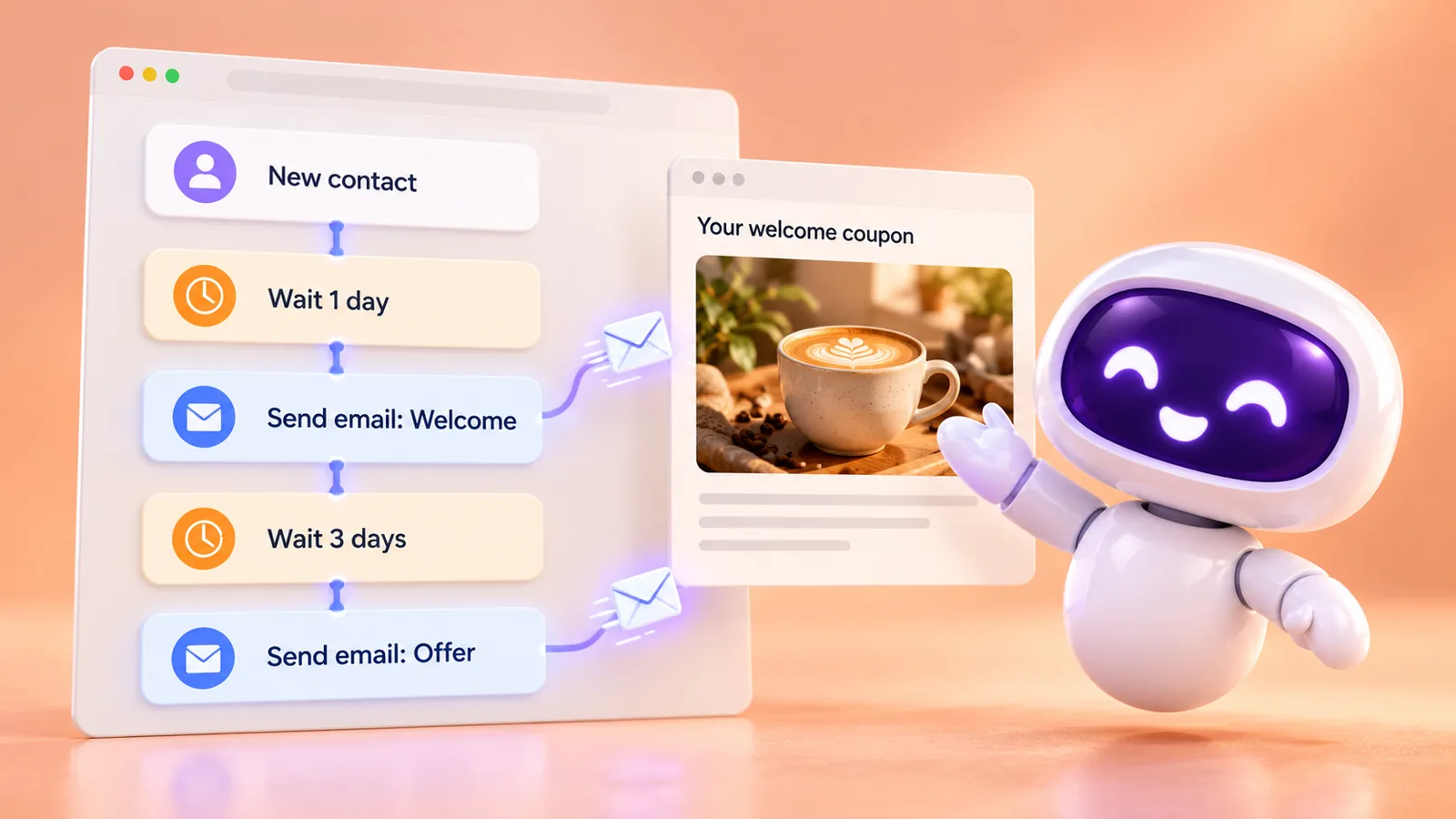
SquadOS mascot next to a linear automation flow: new contact, wait 1 day, send the welcome email, wait 3 days and send the offer email.

What is SquadOS email automation?

SquadOS mascot running a machine that folds letters and sends them down a conveyor belt to colorful mailboxes.

An automation is a flow that runs on its own from an event, a schedule or a button in the conversation. Triggers say when to start; actions such as Send email, Wait and Apply tag say what to do.

Emails go out from your verified domain and respect unsubscribes and bounces. Instead of paying for a separate email tool, you use your plan credits: 40,000 emails use 14,000 credits.

Eight triggers
Conversation event, no reply on conversation, tag, list, schedule, audience and more.
Wait
Wait for a while or until a date before the next step.
Campaigns
The Send campaign action emails everyone eligible on a list.
Report
Active now, Started and Finished for each automation.

How to automate email in SquadOS

Set up sending once and build as many flows as you need. Highlighted names are the buttons and screens of the product.

  1. Step 1: Set up your sending domain

    In Settings, open Domains and senders, turn sending on, verify the domain in DNS and choose your senders.

  2. Step 2: Create the automation

    In CRM → Automations, select New automation and start from scratch or from Follow-up on a stalled conversation.

  3. Step 3: Build the flow in the Editor

    From the palette, combine Triggers, Actions and Logic: contact joins the list, Send email, Wait 2 days, another email.

  4. Step 4: Test, save and turn it on

    Use Test to check each step, save the version and switch it on with Activate. The Report shows who started and finished.

How to get email automation

Email campaigns come with the paid plans. Service automations, with triggers and flows, are part of the Business plan.

Availability by plan

  • Free

    Not included

    Campaigns and automations are on paid plans. The IMAP/SMTP email inbox works.

  • Individual Plus

    Campaigns only

    Turn on email sending and use your 10,000 monthly credits. Automations are on Business.

  • Business

    Included

    Automations and campaigns, with 15,000 monthly credits and no extra fee per contact.

Where to use it

  • Web : Available. Build flows and campaigns in the dashboard.
  • Studio Not available Automations live on the Web.

Start in 3 steps

  1. Create your account
  2. Choose your plan
  3. Open Automations

The Free plan comes with 100 monthly credits to try SquadOS. In the dashboard, go to CRM → Automations and select New automation.

Each email accepted for sending uses 0.35 credits. 40,000 emails use 14,000 credits from the monthly balance.

Compare SquadOS plans

Business costs R$99.40 a month for the first 12 months, with no user limit. On the receipt, AI, meetings, chat, CRM and email for 5 people add up to R$2,010.49 a month.

8 separate subscriptions R$2,010.49

Separate subscriptions

Monthly prices as of Oct 24, 2026

Monthly total R$2,010.49

Exchange rate: R$5 per US$1 · ≈ estimate

Individual Plus

For one person. Does not include rooms, meetings or service automations.

was R$14230% off for 12 months

R$99.40 /month

30% off for 12 months, then R$142/month. Billed in Brazilian reais.

Subscribe to Individual Plus

SQUADOS30OFF coupon already applied at checkout

10,000 credits a month

  • Unlimited personal chat on selected models, marked with ∞
  • AI image, video and file creation
  • One account for your individual use
Explore SquadOS for you

Prefer to start small? Start with the Free plan and 100 credits a month

Third-party monthly prices checked on Oct 24, 2026 on the official sites (linked on the receipt), excluding taxes and promotions. R$5 per US$1 is an assumption, not a live rate. Zoom and Slack include 5 seats. CRM (R$500) and ActiveCampaign (R$520) are estimated budgets, marked with ≈; ActiveCampaign pricing depends on plan and contact count. This compares budgets: each product has its own capabilities and terms.

Money-back guarantee · 7 days · Money-back guarantee · 7 days · 7 days

Subscribe with a 7-day guarantee

Use SquadOS for up to 7 days after subscribing. If it is not right for you, request cancellation and a refund through the contact page.

  1. Subscribe
  2. Use it for up to 7 days
  3. Request a refund
Go to the contact page