

Windows
- 64-bit Windows (x64)
- Installed from the Microsoft Store
- Automatic updates through the Store
Opens the Studio page in the Microsoft Store.
SquadOS Studio for Windows and Mac
Studio works in the folders you choose and creates documents, spreadsheets, presentations, websites and games from a conversation. Sign in with your ChatGPT or Claude subscription, or a SquadOS account.
64-bit Windows (x64) · macOS 13 or later, Intel and Apple Silicon
Studio
1 of 1 computer online
Update the proposal with the new prices
Update the proposal with October prices and save it as a PDF.
Read october-prices.xlsx
Updated aurora-proposal.docx
Approved · Allow once
Running a command soffice
Wrote aurora-proposal.pdf
Done. The proposal now has October prices and the PDF is saved in the Proposals folder.
Waiting for you
Allow running this command?
soffice --headless --convert-to pdf aurora-proposal.docxIn the Café Aurora folder
Allow onceThis sessionAlwaysDeny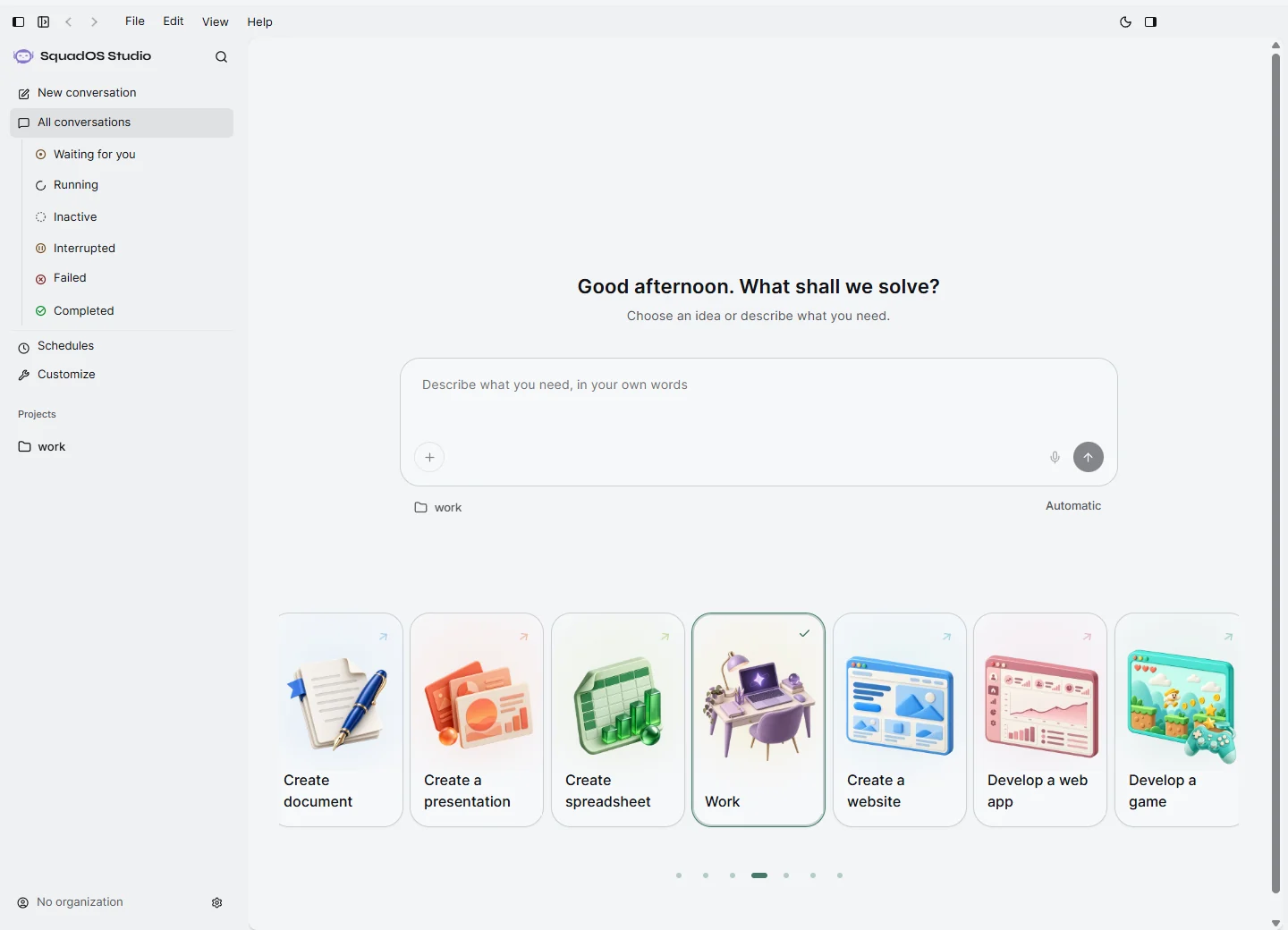
Use the ChatGPT or Claude subscription you already pay for, or your company’s SquadOS account, which uses credits. Sign-in happens in the browser and Studio never sees your password.
Accounts available in the same Studio
Pick a folder and describe the work. Studio reads, updates and creates files right there, without copying anything elsewhere, and keeps your conversations on your computer.
Each conversation works in a folder on your computer. New files show up there, ready to open in the apps you already use.
Choosing a folder uploads nothing to the cloud. When you ask for a task, only what it needs goes to the AI provider you connected.
With a company account, share folders with authorized colleagues and choose which ones sync to this computer, when your company enables it.
Studio creates the file in your folder and opens an editor so you can review what it did.

Use the notes in the Launch folder and write the Aurora Iced plan with goals and budget.
Document ready
Format headings, lists and tables
Add quotes too, like in a word processor.
Export to .docx
Take the document to Word or export it as HTML.
Adjust it your way
Edit right in the editor or ask for changes in the chat.
Start from one of 147 work prompts or call in a specialist: skills bring methods and resources for design, finance, marketing, sales, documents and more.

Design and experience
Creates brand identities, website and app screens, graphics, infographics and presentations.

Documents and data
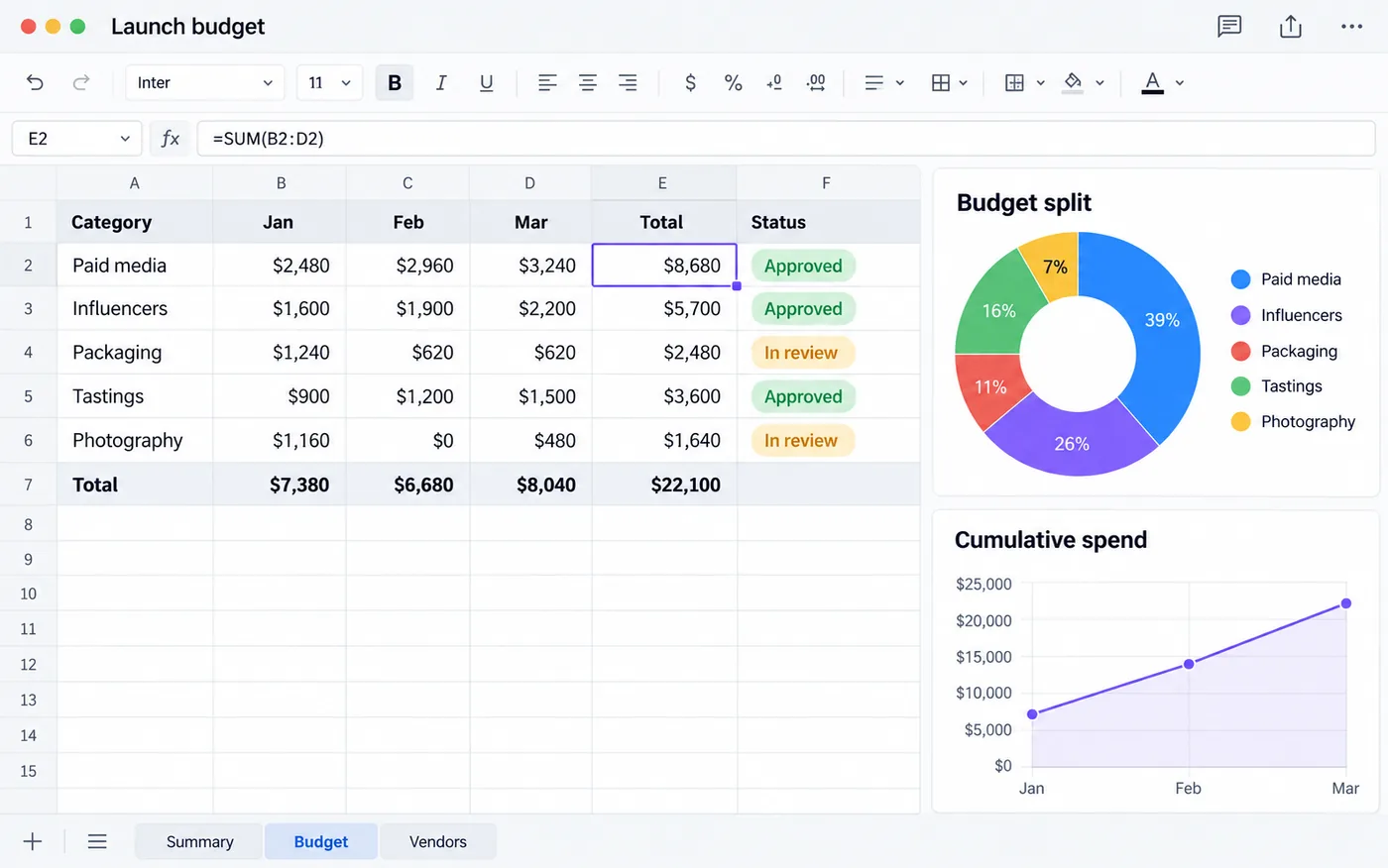
Creates and edits Word, PDF, spreadsheets and PowerPoint, checking formulas and formatting.

Finance
Analyzes cash flow, reconciles transactions and builds financial models with clear assumptions.

Marketing
Plans content and copy, handles social media, SEO and paid traffic.

Sales
Researches accounts, prepares proposals and helps negotiate and close deals.

Video and audio
Creates and edits videos: script, cuts, motion, captions and export.
Video and audio
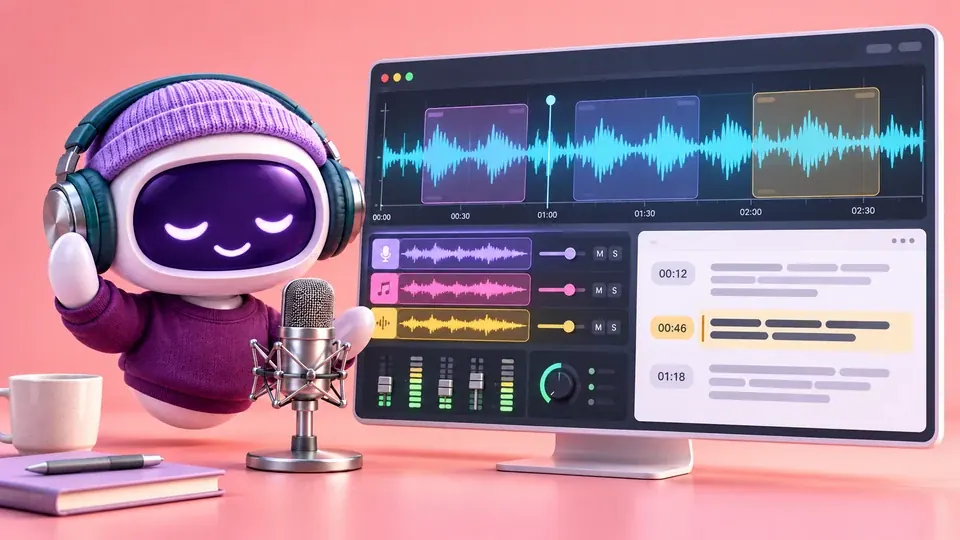
Transcribes audio and video, prepares narration and works with music and sound.
Engineering
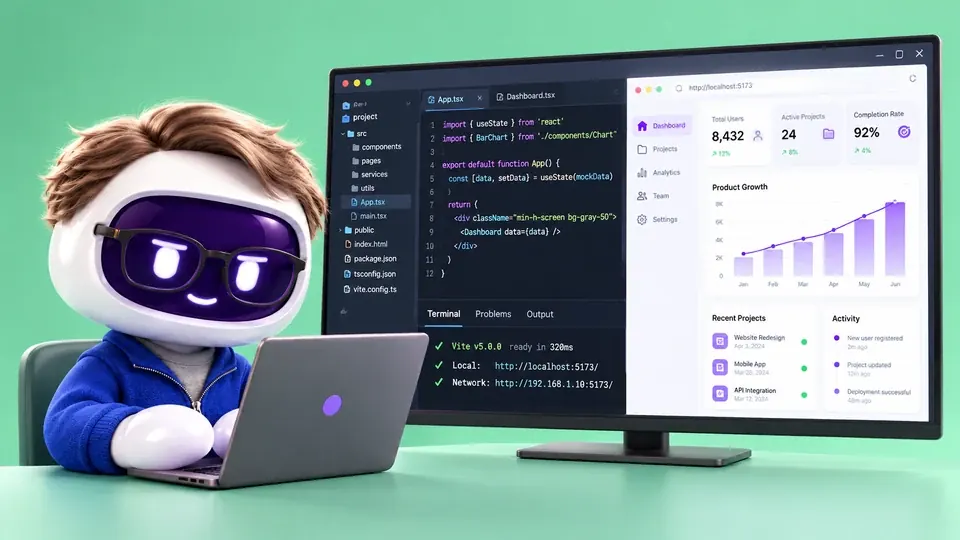
Investigates bugs, builds integrations and tests code in the browser.

Design and experience
Finds friction in journeys, simplifies flows and plans usability tests.

Operations
Organizes projects, priorities, inventory, purchasing and contracts.

People
Prepares hiring processes, onboarding plans, training and feedback.

Research
Researches with sources and citations, finds papers and compares evidence.
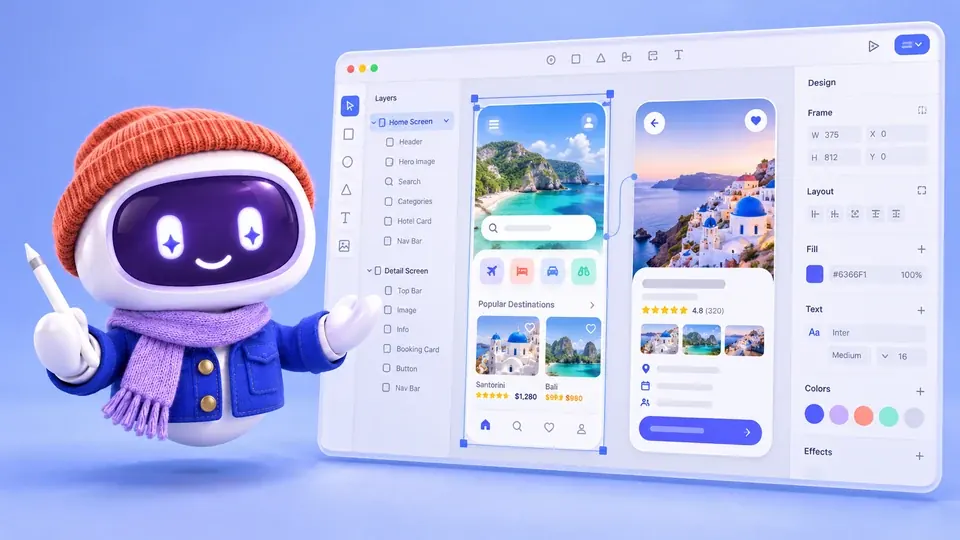
Applications
Reads and edits Figma files and implements screens from the design.
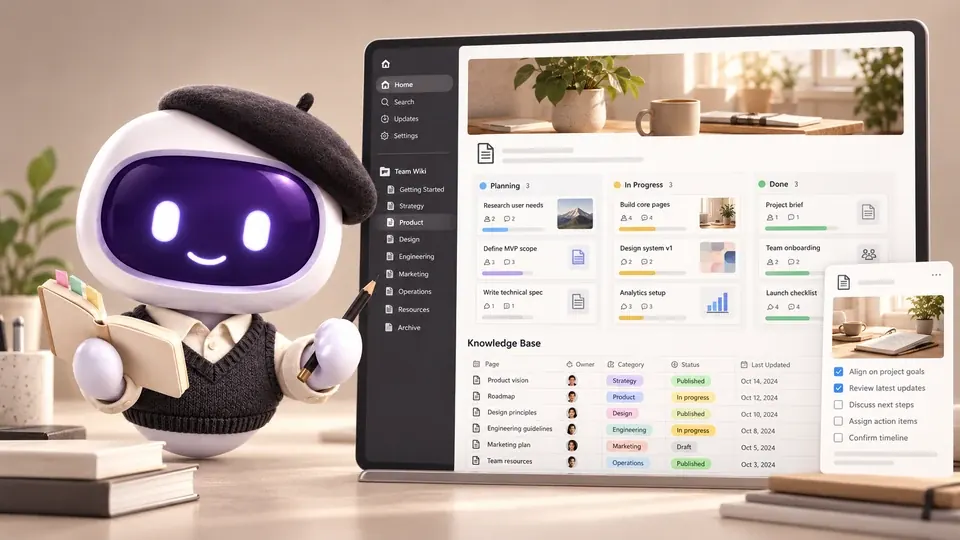
Applications
Organizes Notion notes, pages and databases and turns meetings into actions.

Applications
Finds Drive files, organizes your calendar and reviews Docs, Sheets and Slides.

Applications
Organizes vault notes, finds links and creates content maps.

Applications
Checks products, orders and inventory in your authorized Shopify store.

Applications
Searches products, compares options and checks availability in Shop.

Applications
Operates the connected telephony: numbers, SMS and calls.
There are 14 categories, from documents to legal. Adapt the prompt to your case and send it: it asks for the files and details it still needs.

Documents
Ask questions about PDFs

Finance
Prepare an expense report

Marketing
Write ad copy

Communication
Write an email

Design and presentations
Create a presentation from a topic

Automations
Build an AI agent for a task

Projects
Organize ClickUp work

Sales
Qualify sales leads

Data and spreadsheets
Analyze data

People
Build a resume

Research
Research a company

Personal use
Organize my daily priorities

Legal
Review a contract

Customer support
Plan customer success
Pick one of Studio’s 21 templates and ask for changes in the conversation: copy, colors, screens and rules. The project lives in your folder, ready to test.

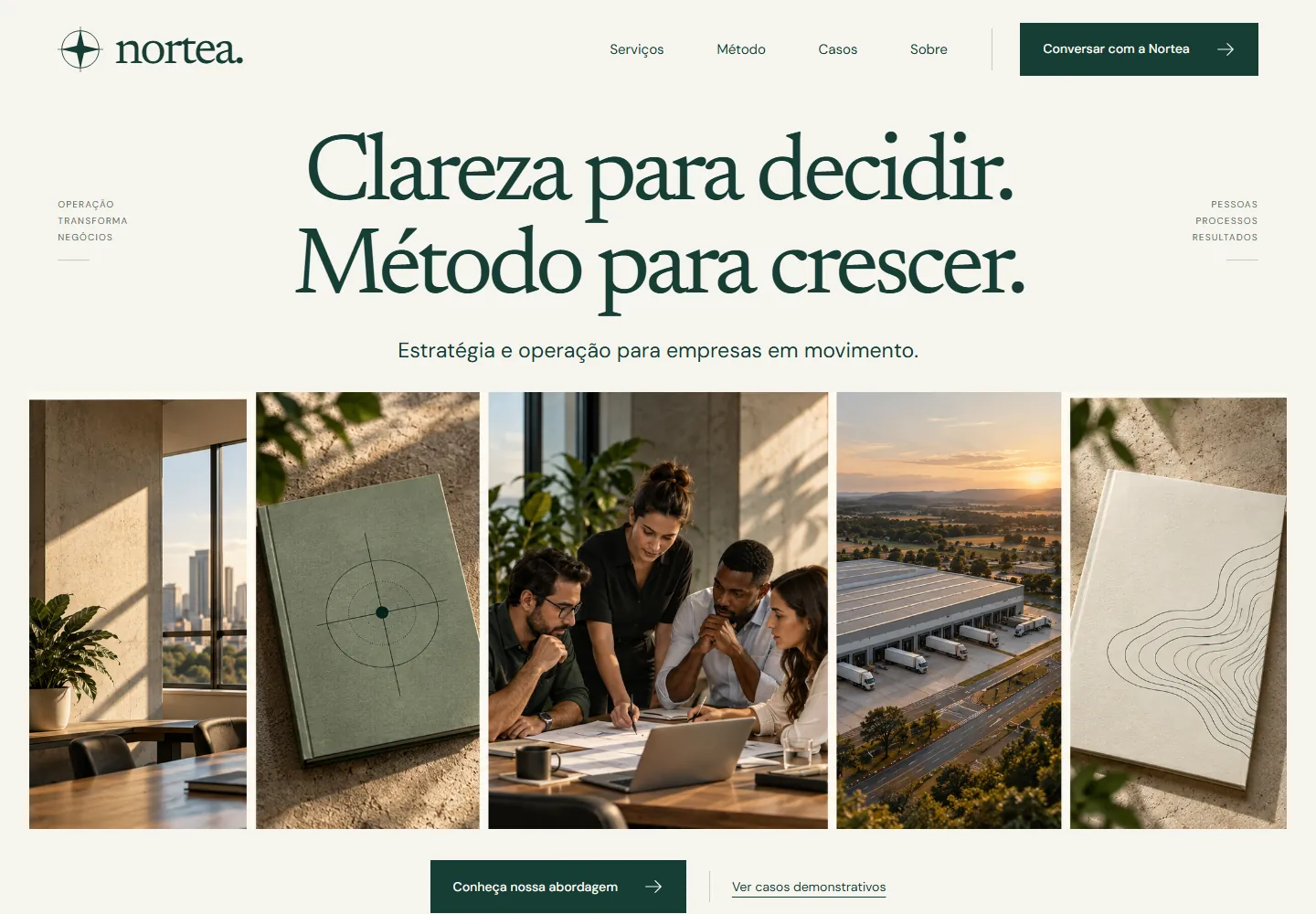
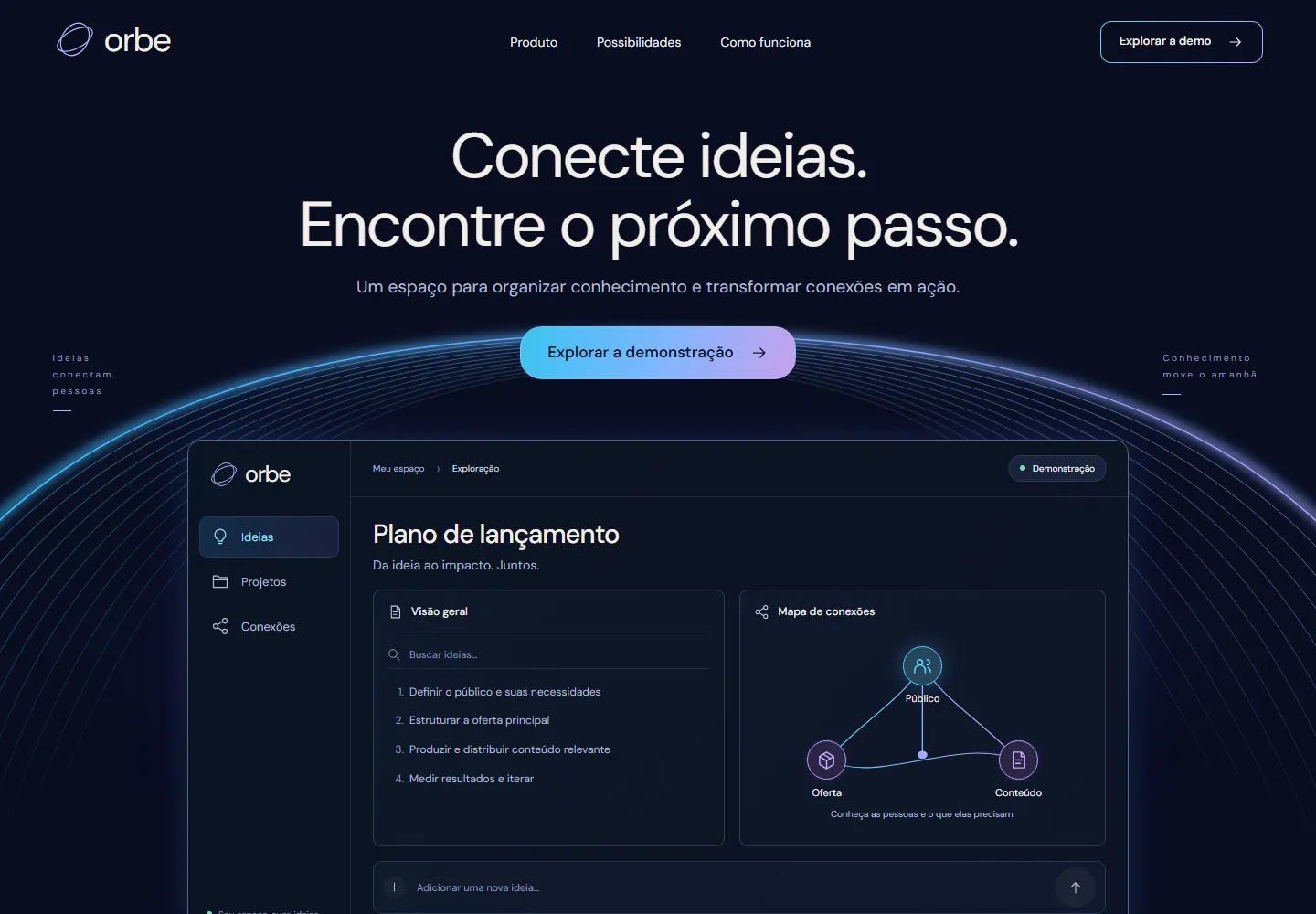


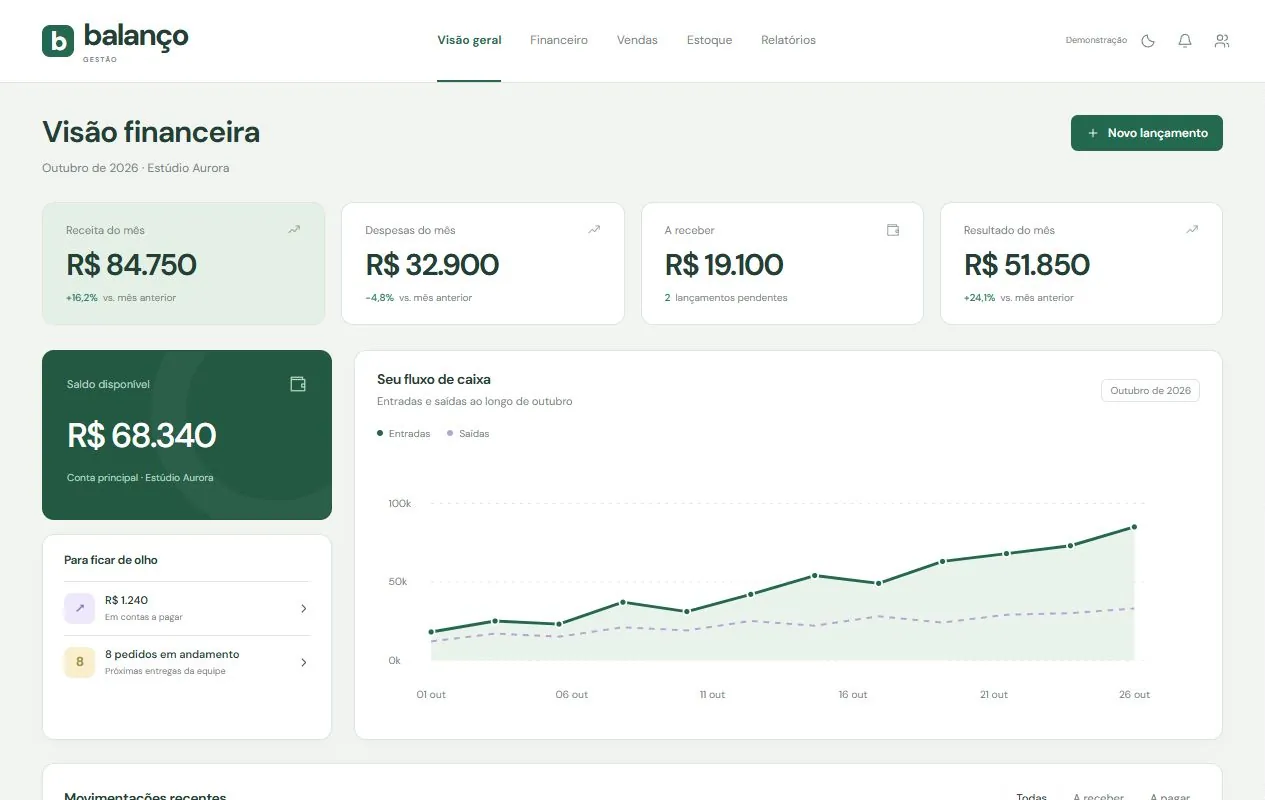
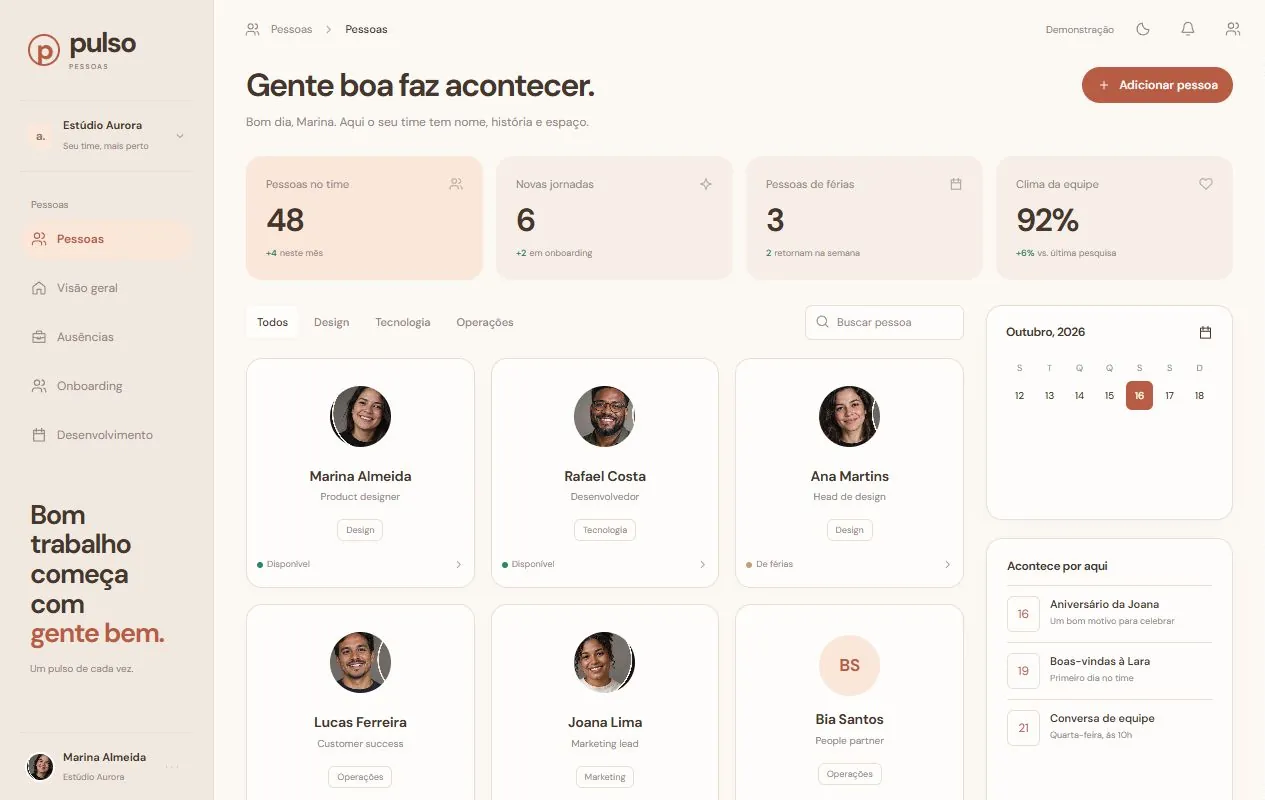
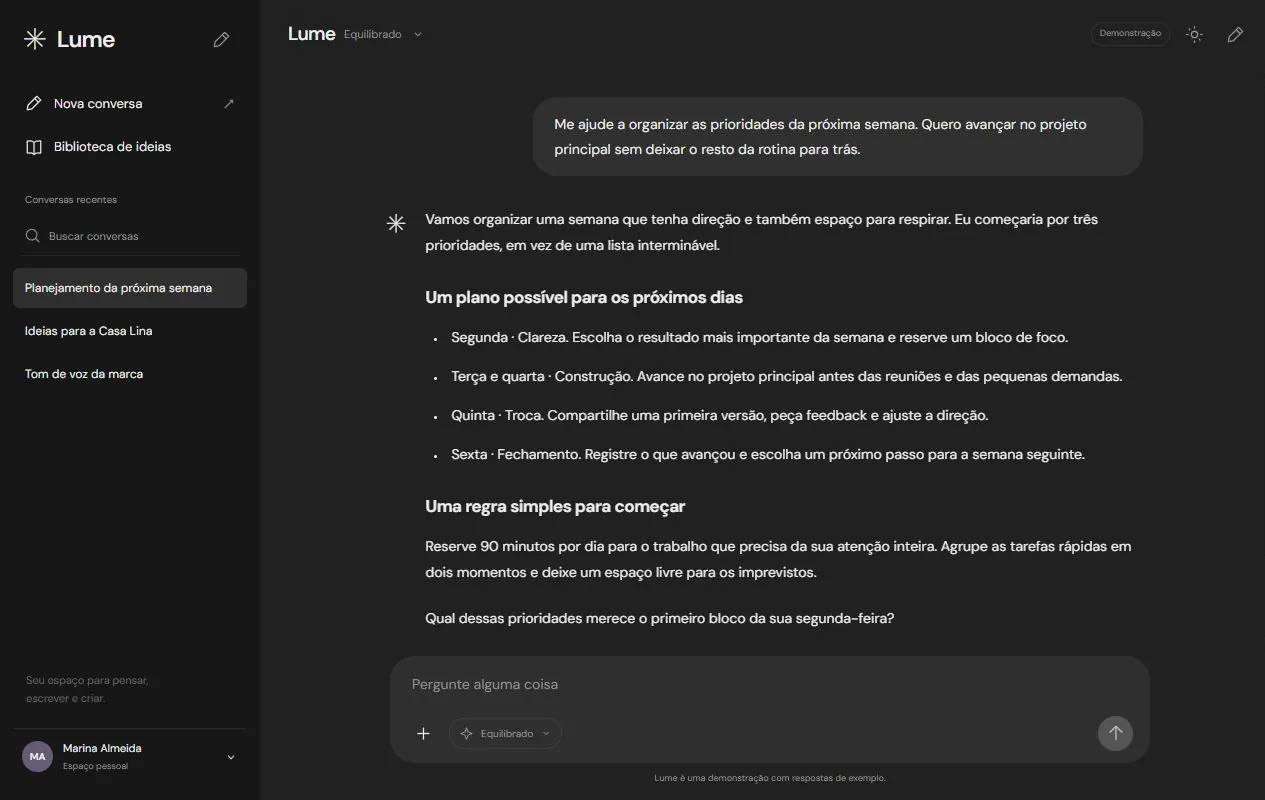

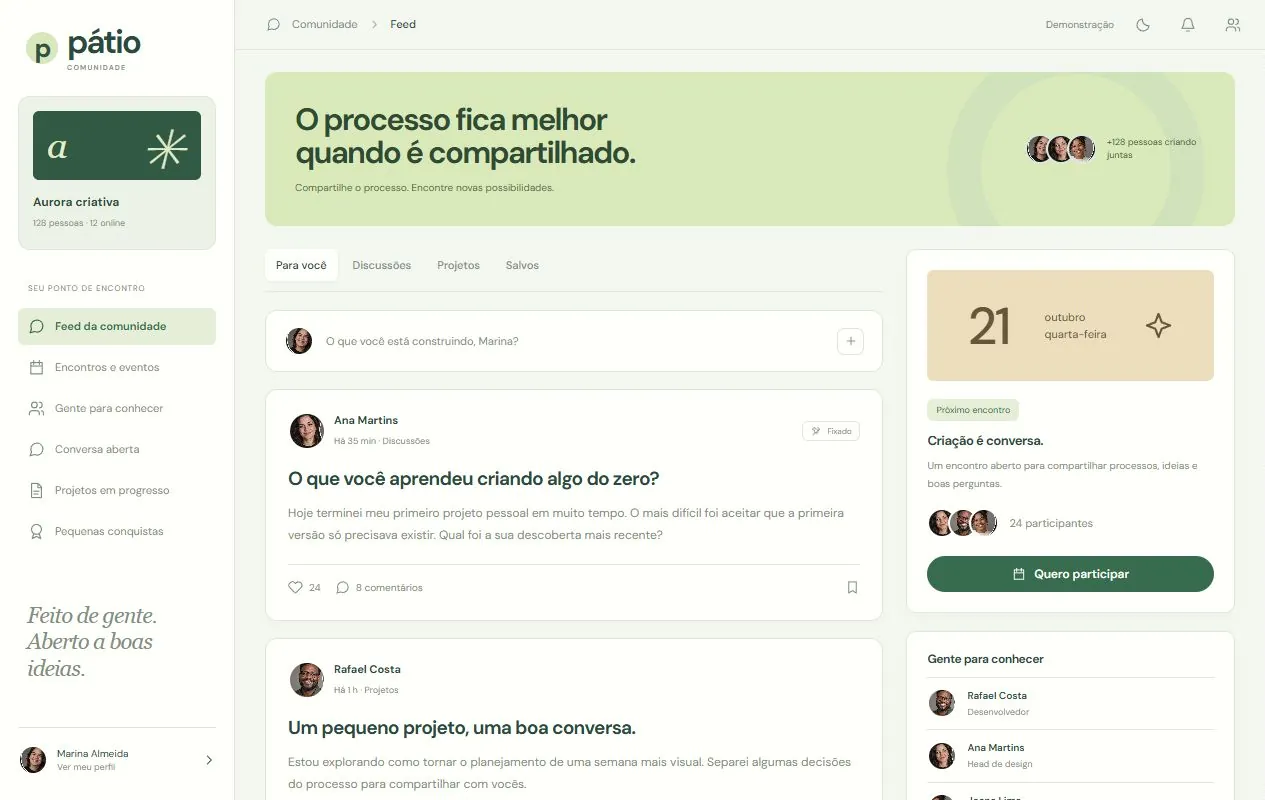
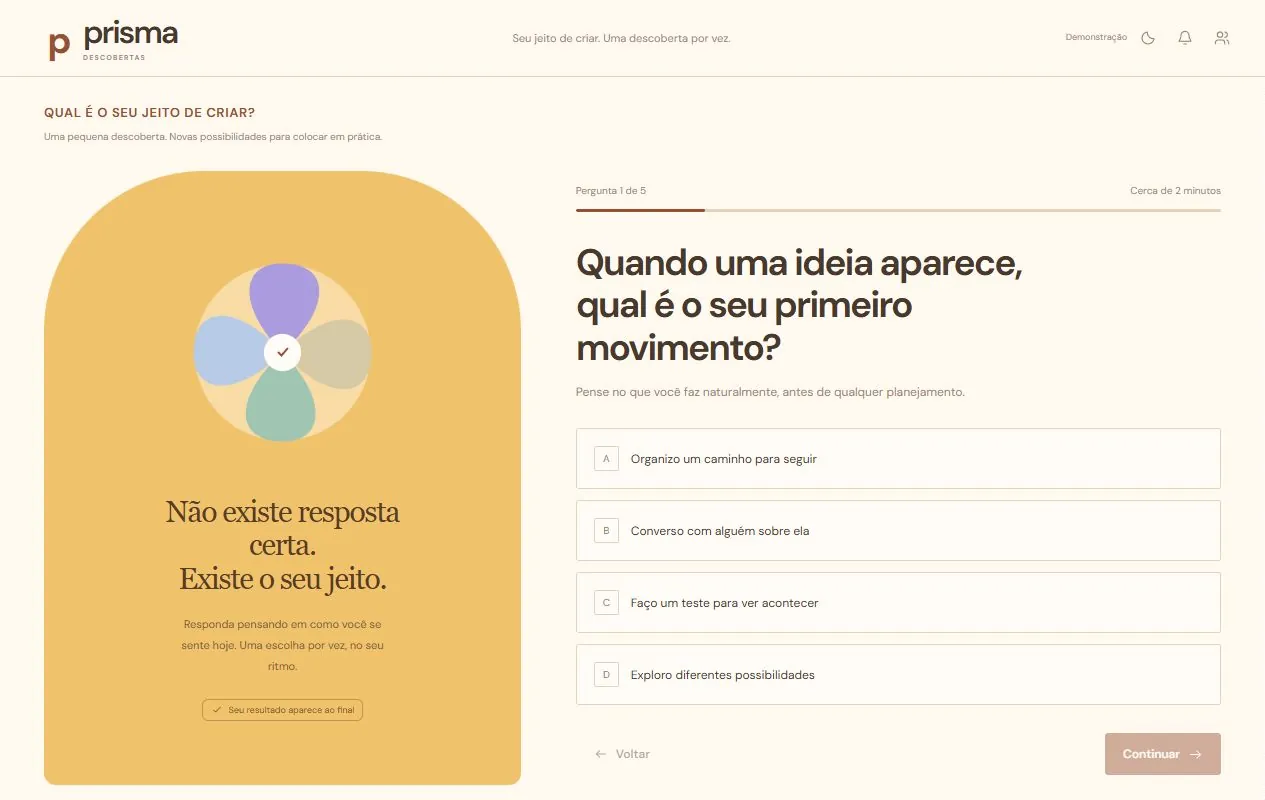
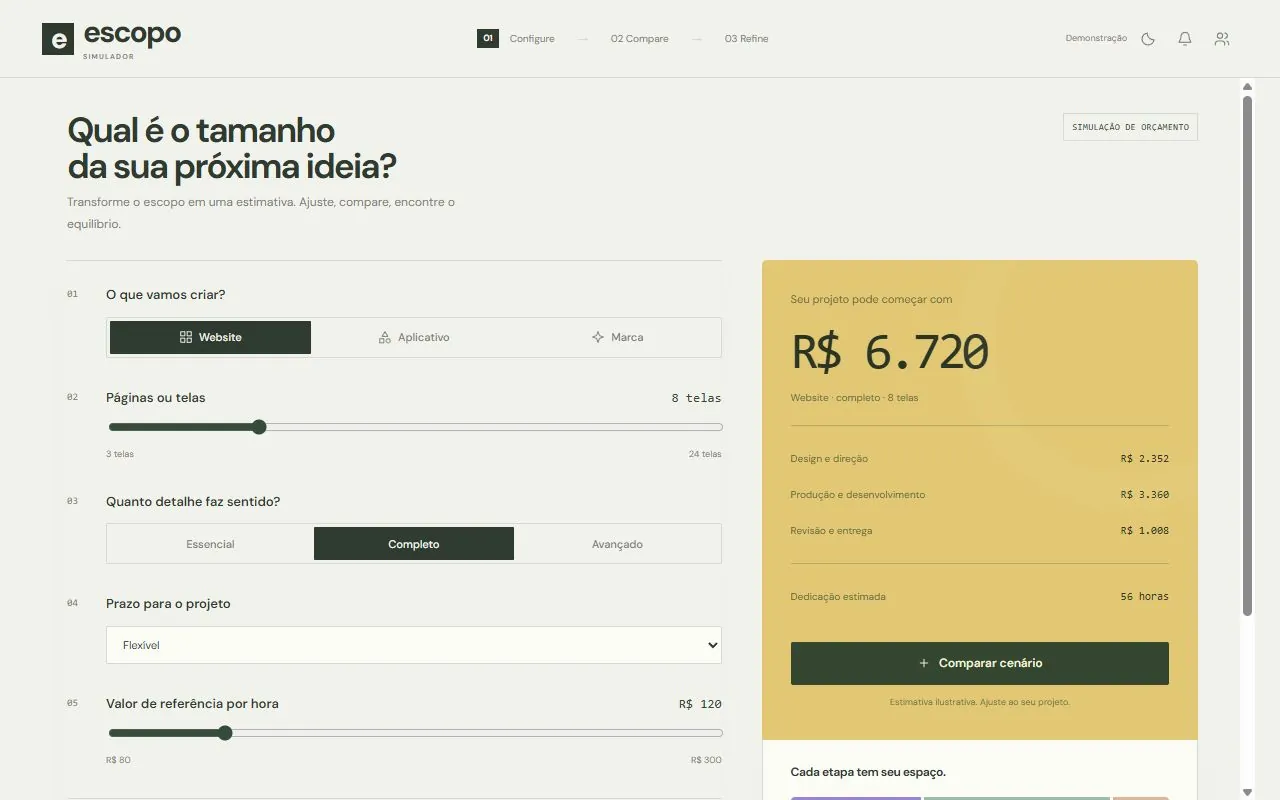
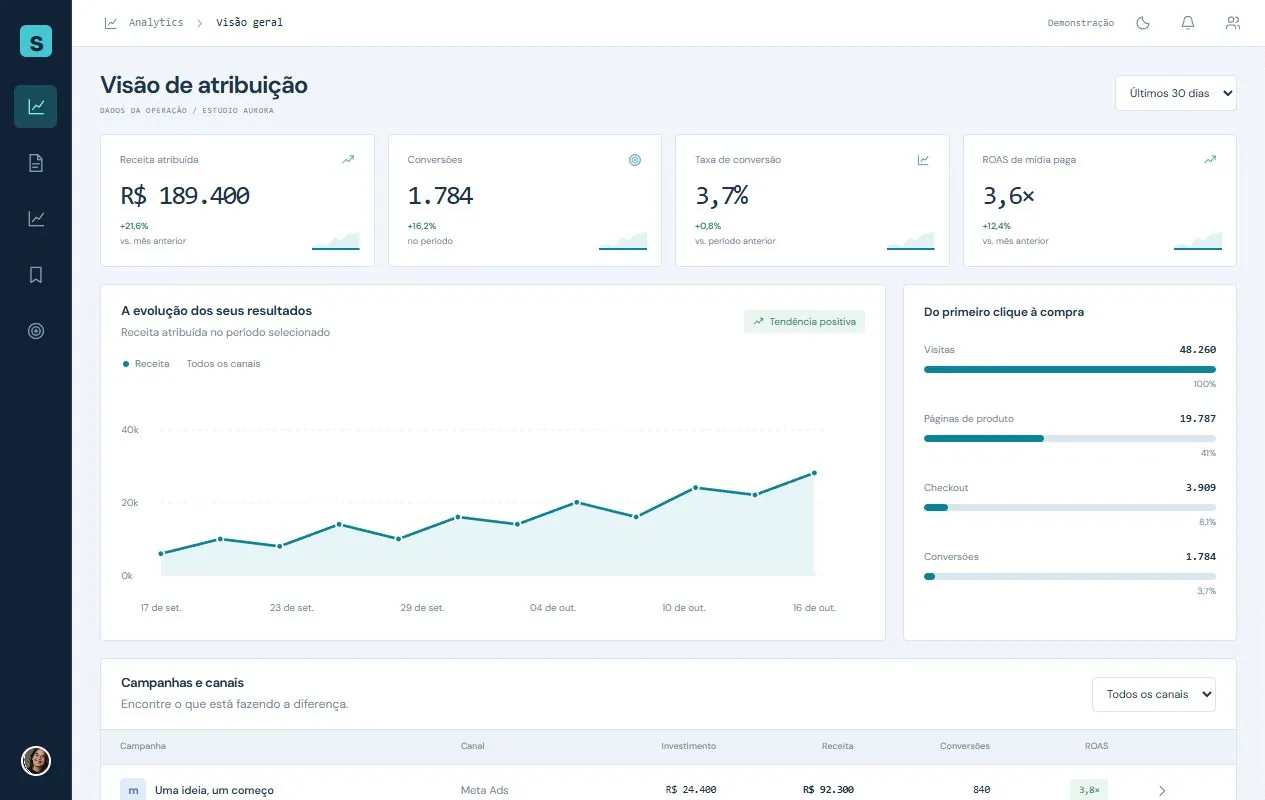
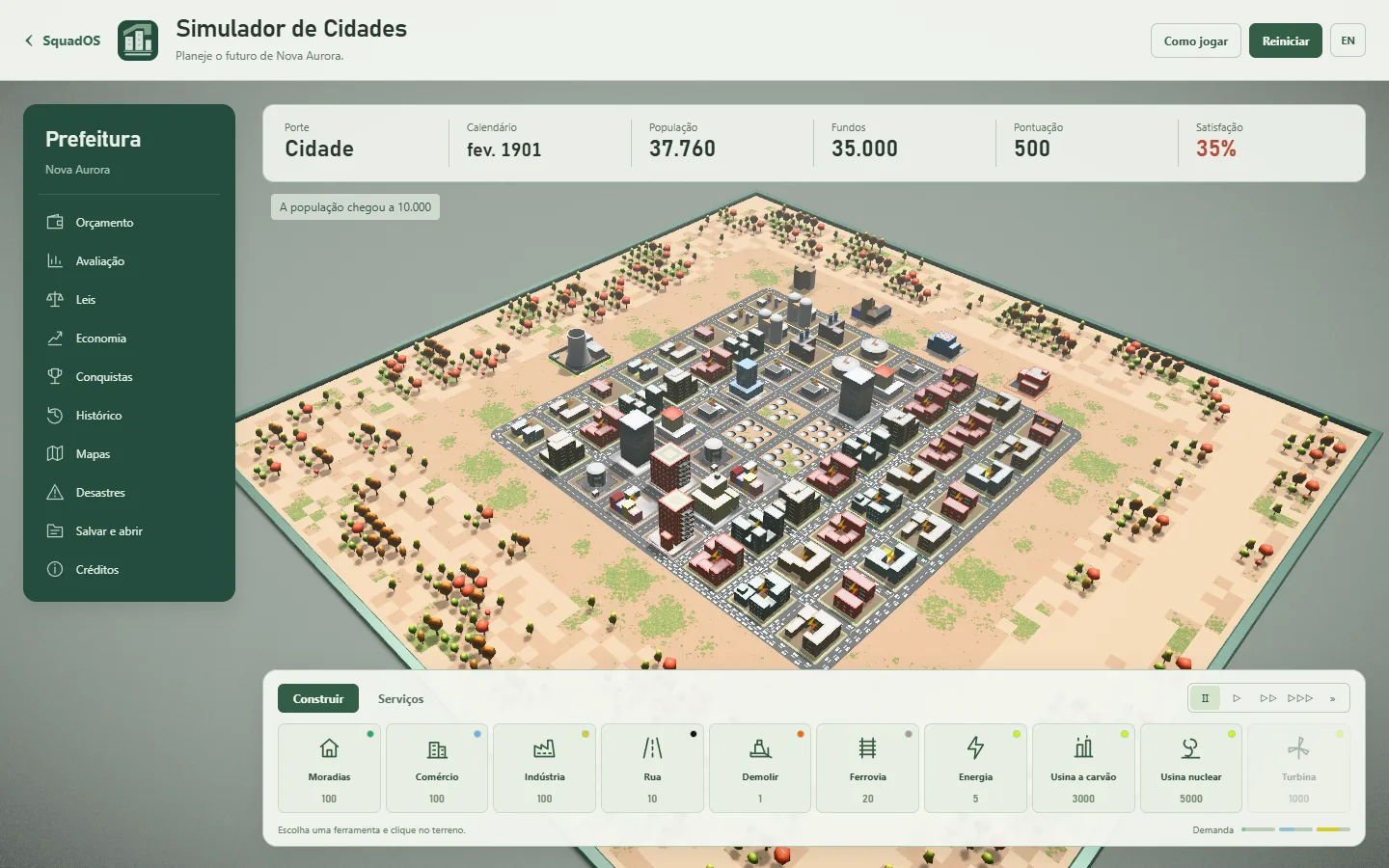




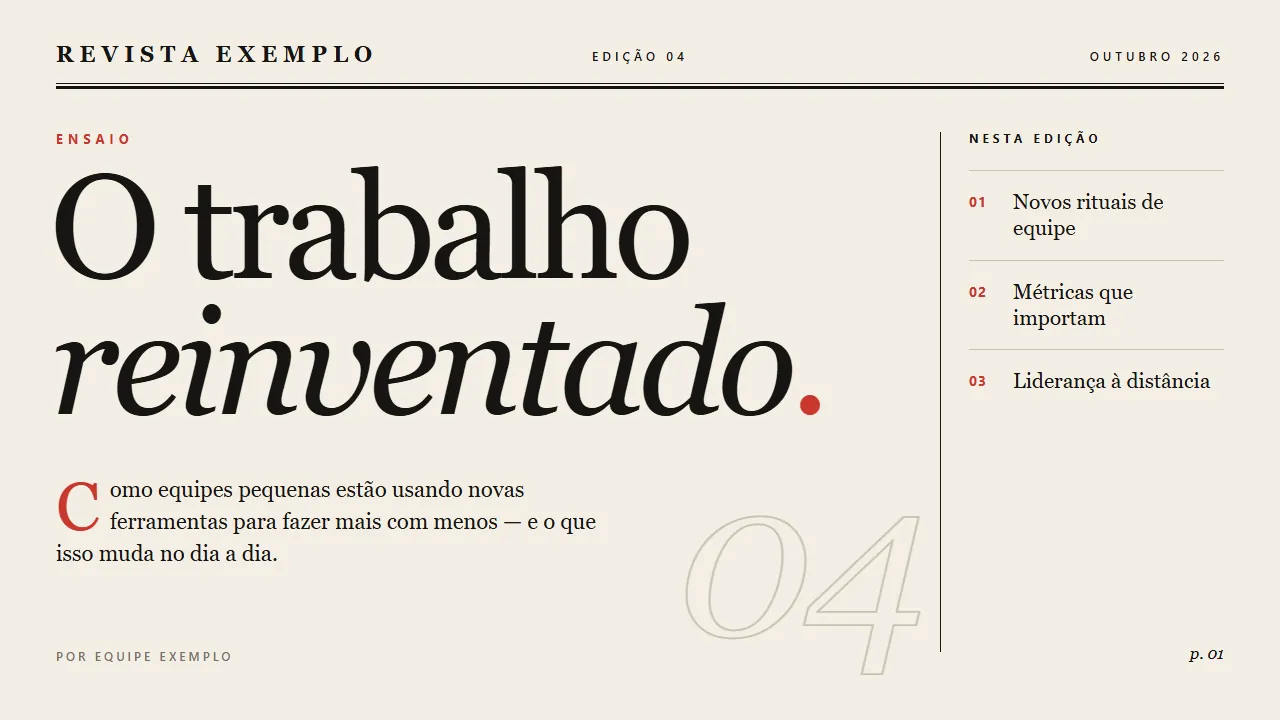
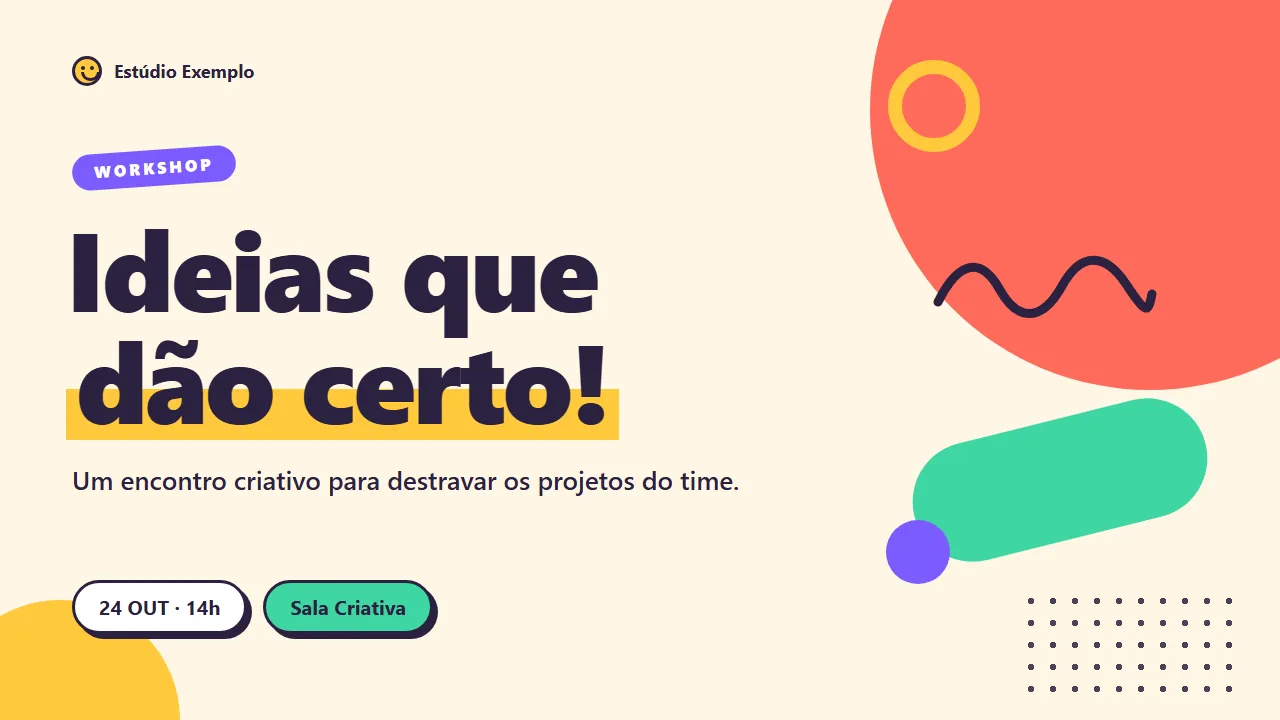

The previews show each template’s sample content in Portuguese.
In the Studio tab of the SquadOS app, see what each conversation is doing, approve actions and open finished files. The work keeps running on your computer, which needs to stay on with Studio open.
Studio
1 of 1 computer online
Update the proposal with the new prices
Update the proposal with October prices and save it as a PDF.
Read october-prices.xlsx
Updated aurora-proposal.docx
Approved · Allow once
Running a command soffice
Wrote aurora-proposal.pdf
Done. The proposal now has October prices and the PDF is saved in the Proposals folder.
Waiting for you
Allow running this command?
soffice --headless --convert-to pdf aurora-proposal.docxIn the Café Aurora folder
Allow onceThis sessionAlwaysDenyEvery skill gets a desk. Click someone to ask for work, see from the badge who is working or needs you, hire new skills in HR and follow schedules in Operations.
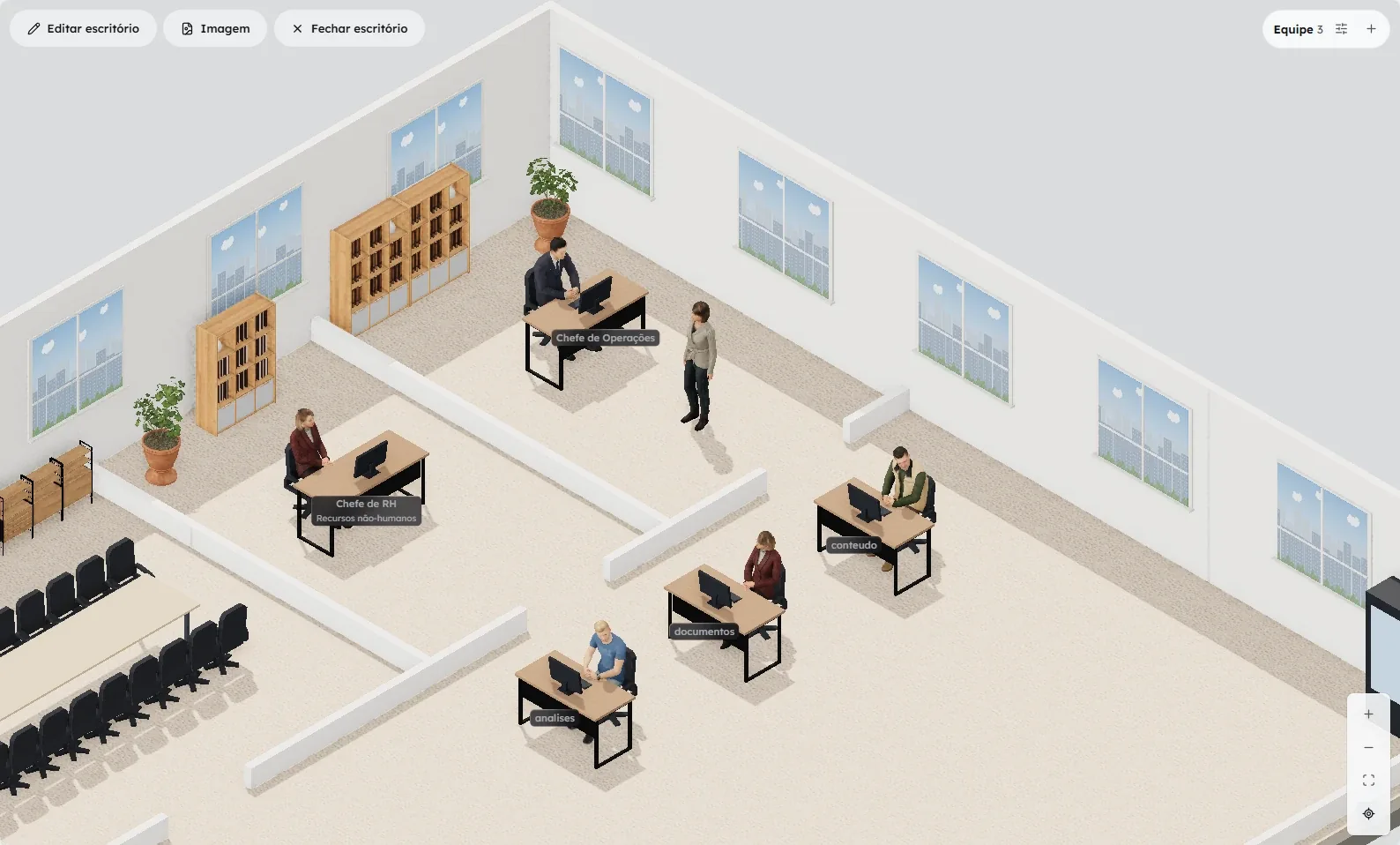
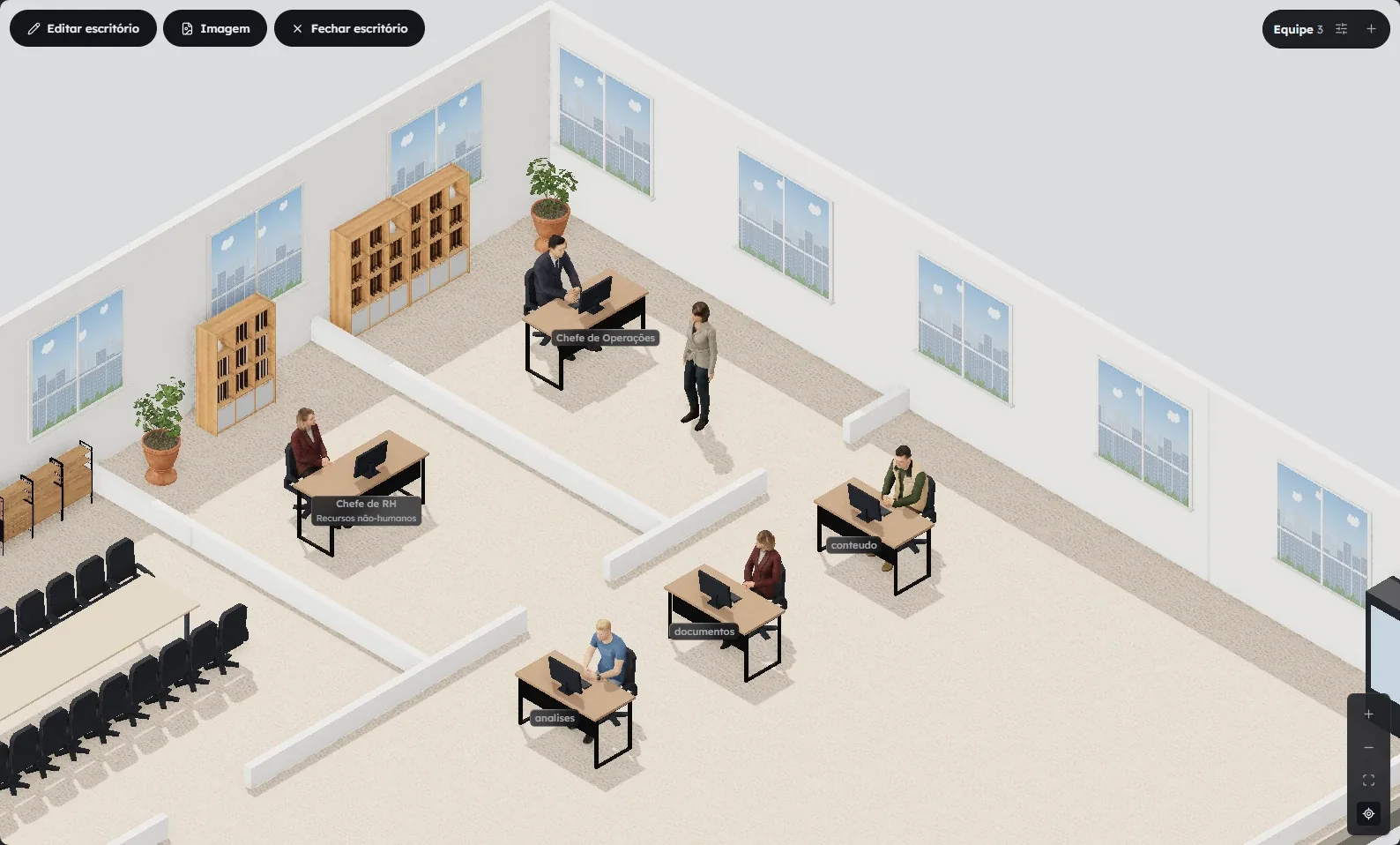
Install it on Windows from the Microsoft Store or on Mac with the universal installer. Updates arrive on their own.
Opens the Studio page in the Microsoft Store.
Version 0.1.3 · Oct 16, 2026
Signed and notarized by Apple.
On your phone
Follow and approve Studio conversations in the SquadOS app.