AI email support: how to triage, answer and escalate without adding headcount
How an AI agent triages support email, answers repeat questions, drafts replies for review on sensitive cases and escalates to a human at the right moment.
On this page
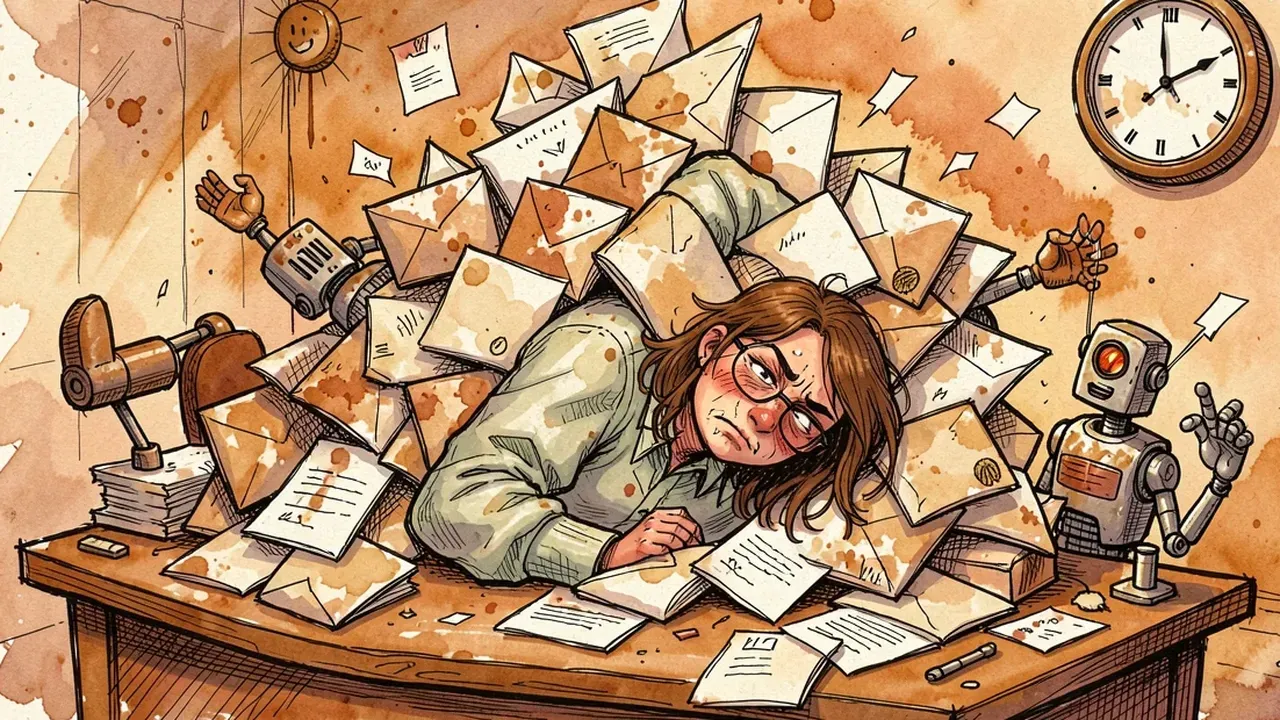
The support inbox opens Monday morning with two hundred new emails. Half of them are the same question worded differently: delivery time, order status, how to cancel. The other half sit split across three people in CC, with no clear owner, so nobody knows who already answered what. The customer who wrote in Friday at 6pm only gets a reply on Tuesday. That delay isn’t a people problem. It’s how support email usually runs: manual, one by one, with no triage step.
The email backlog nobody sees coming
Support email gets stuck because every message needs a human to read it, decide what it is, and write a reply, and volume grows faster than the team does. Unlike live chat, email carries no visible pressure of someone waiting on screen, so it piles up quietly. And once it piles up, it’s expensive to dig out.
The same symptoms show up in almost every team that supports customers by email:
- The same question lands ten times a day, phrased differently each time, and someone has to read, understand and answer every single one from scratch.
- Messages get buried in long threads or in a shared inbox with no clear owner, so the customer writes again, assuming they were ignored.
- Simple and complicated cases sit in the same queue. An urgent refund request waits behind ten questions about store hours.
- The response-time clock isn’t about solving fast, it’s about not even opening the email fast enough. The clock runs before a human ever touches the message.
None of this gets fixed by hiring more people to read email. It gets fixed by organizing the intake: something has to triage before a human does, or volume always wins.
What an AI agent actually does in the support inbox
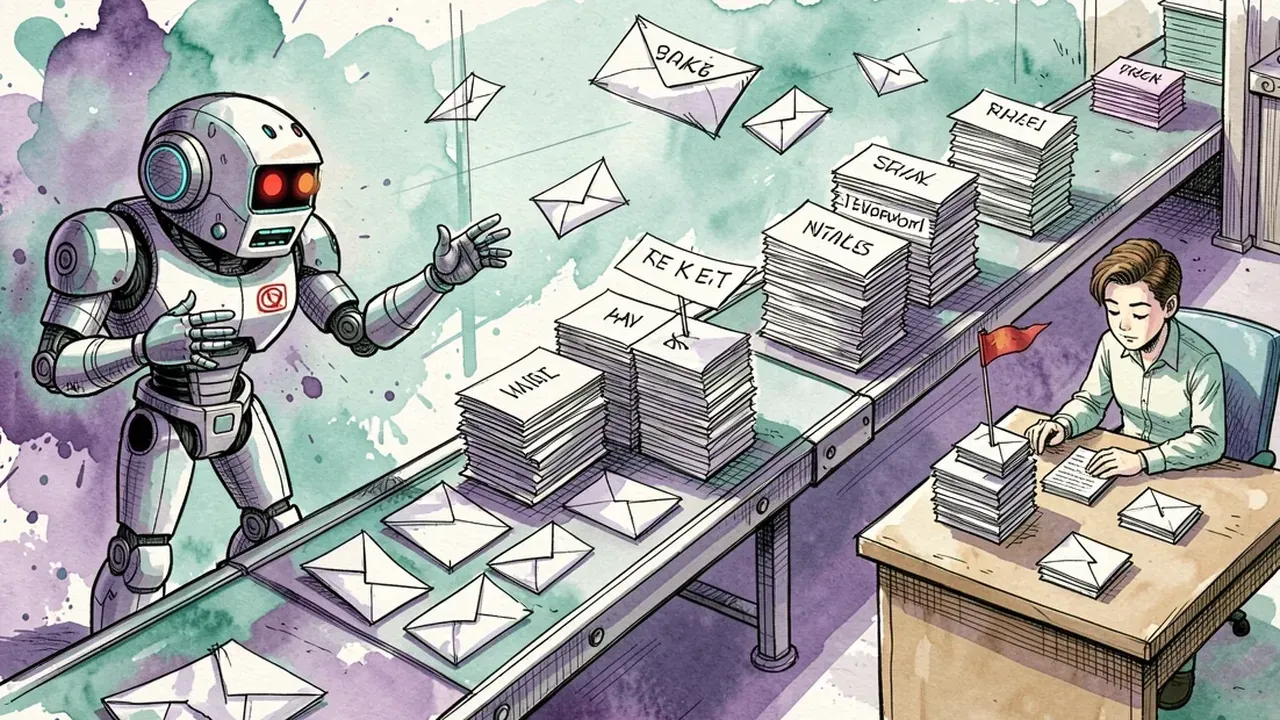
An AI agent reads the email the moment it arrives, classifies what it’s about, answers the repetitive part on its own, drafts a reply for review when the case is sensitive, and escalates to the right person when it needs to. It doesn’t replace the support team. It pulls out the volume that never needed a human in the first place.
In practice, that breaks down into four moves:
- Automatic triage. The agent reads the subject and body and classifies it: simple question, status request, complaint, sensitive case. That alone organizes the queue before any reply goes out.
- Direct answers to what repeats. Delivery time, return policy, store hours, order status: the agent answers using the company’s own knowledge base, without inventing a policy or deadline that doesn’t exist.
- Drafts for human review on sensitive cases. Refunds, cancellations, strong complaints: the agent writes the reply, but it sits ready for a human to review and approve before it goes out. The AI doesn’t decide alone on anything that puts the company on the hook.
- Escalation with context. When a case falls outside what the agent handles, it hands it to the right agent (human, this time) with the full history attached, so the customer never has to explain everything again.
SquadOS ships a ready-made agent for exactly this job, the Assistente de E-mails (Email Assistant), one of the templates every new organization gets imported by default in the Gallery. Email connects as an integration on the agent, the same way a CRM or calendar does: you connect the inbox, upload the knowledge base, and the agent starts triaging.
Take a real example. An email that says “my order still hasn’t arrived, it’s been a week” follows a short path: the agent identifies the topic (order status), checks the knowledge base or connected system, and answers with the real information, no one on the team has to open that email at all. An email that says “I want to cancel and get a refund, I’m really unhappy” follows a different path: the agent recognizes it as sensitive, writes a polite reply acknowledging the issue, but leaves it as a draft, waiting for a human to confirm the refund amount and timeline before anything goes back to the customer.
How to set up an AI email support workflow
Setting up the workflow starts with the knowledge base, then defines triage rules and escalation paths before the real inbox ever gets connected. It’s work for the support team, not an IT project.
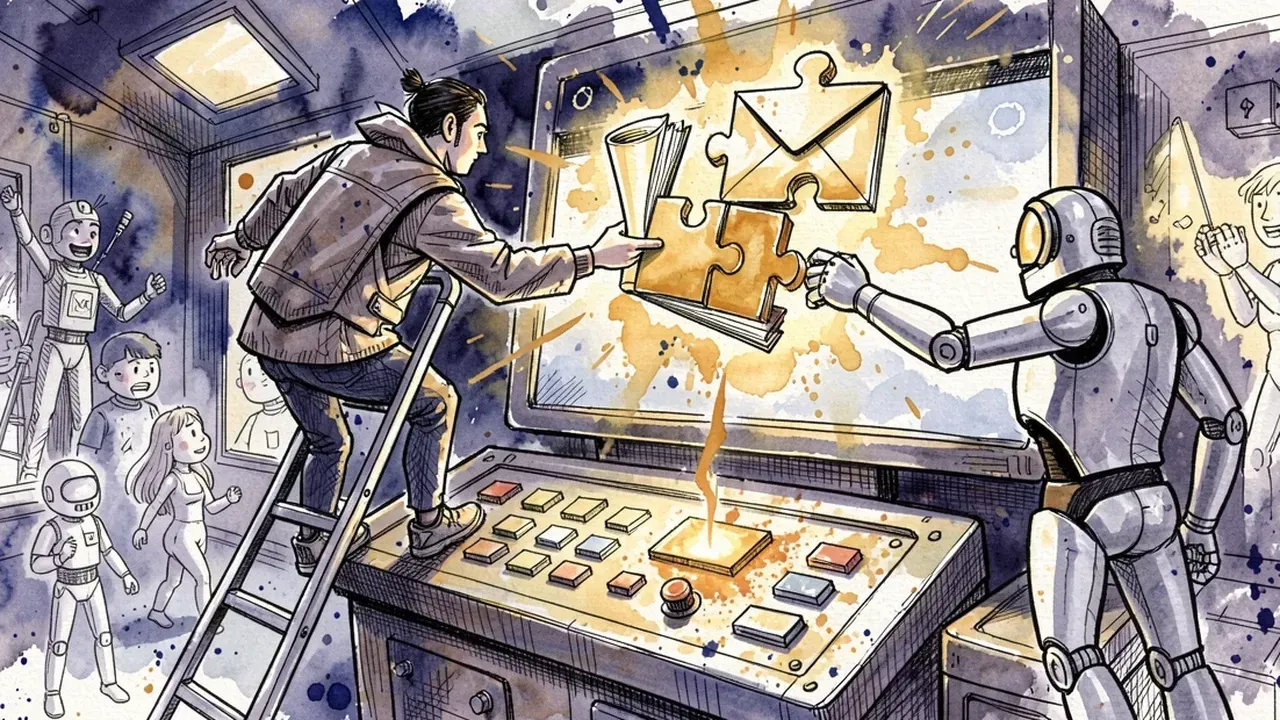
The practical order:
- Upload the knowledge base. FAQ, return and cancellation policy, delivery times, pricing. Every automatic reply comes from here, so the more complete it is, the less the agent has to guess.
- Decide what goes out on its own versus what becomes a draft. Separate low-risk questions (the agent can answer directly) from high-risk ones (they need review before sending). Start conservative and loosen the rules over time.
- Connect the inbox to the agent. Once the prompt, the knowledge base and the rules are set, the inbox plugs in as an integration and the agent starts triaging what comes through.
- Configure escalation. Decide who gets which type of case (billing, legal, senior support) and make sure the conversation history travels with it.
- Watch and adjust. Review what the agent answered, fix the knowledge base wherever it hesitated or got something wrong. The workflow gets good with real use, not at initial setup.
Governance: what still needs a human before it goes out
Not every reply should go out on its own. Sensitive email, like a refund request, contract cancellation or a strong complaint, needs a human to review it before it’s sent. Automating support isn’t the same as giving up control. It’s deciding exactly where control belongs.
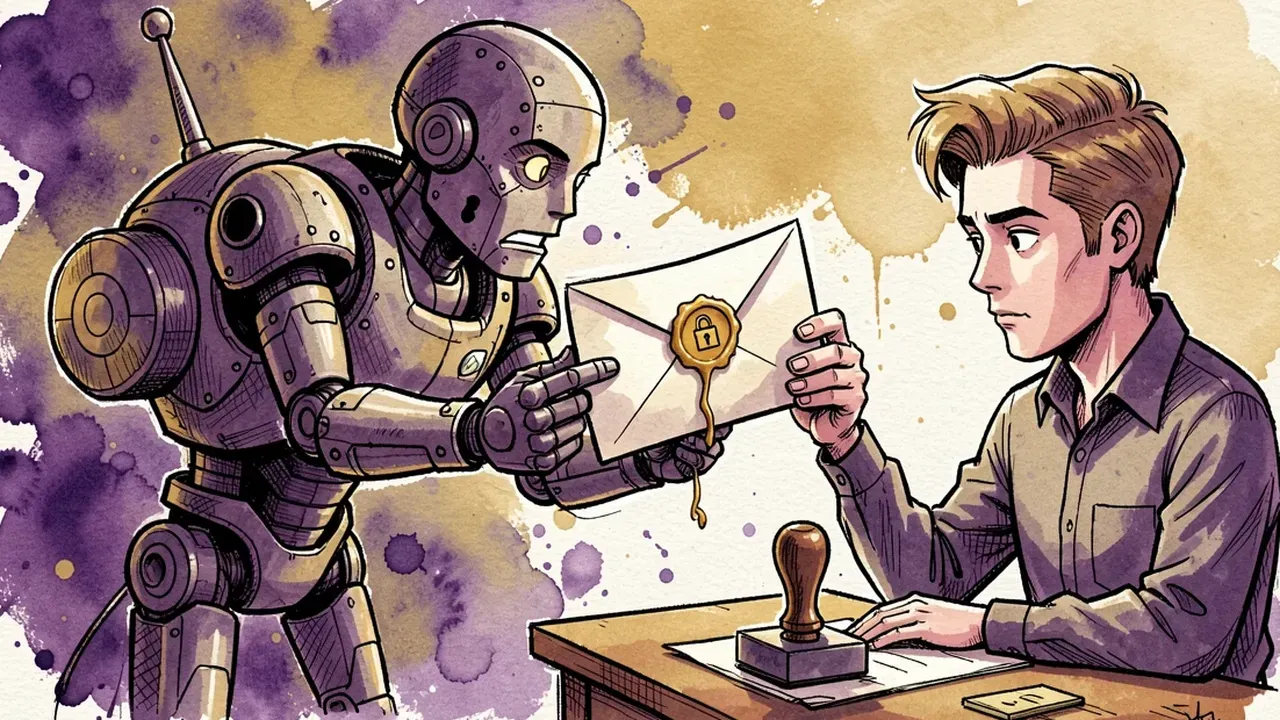
What backs this up in practice:
- Anti-hallucination guardrails. The agent only answers with what’s in the knowledge base. A deadline or policy that doesn’t exist can’t go out as if it did.
- Personal data protection. Any ID number, address or payment detail that shows up in a customer’s email needs handling under a clear rule, not casual exposure in a reply.
- Drafts instead of auto-send on the right cases. That’s the difference between AI doing the heavy lifting and AI deciding alone on something that puts the company at risk.
- An audit trail for every email the AI answered. Who answered what, based on what source, stays logged. That’s what lets a team trust the volume going out automatically, and fix things fast when something goes wrong.
It’s the same principle behind any SquadOS external agent: AI covers the repetitive volume with guardrails on, and anything that requires judgment stays with a human in charge.
Common mistakes when automating support email
The most expensive mistake is letting the knowledge base go stale and trusting the agent to “figure it out” from what it already knows. If delivery times changed last week and the base still shows the old number, the agent answers wrong with the same confidence as when it answers right. The customer gets a promise the company can’t keep, and that costs more than no reply at all.
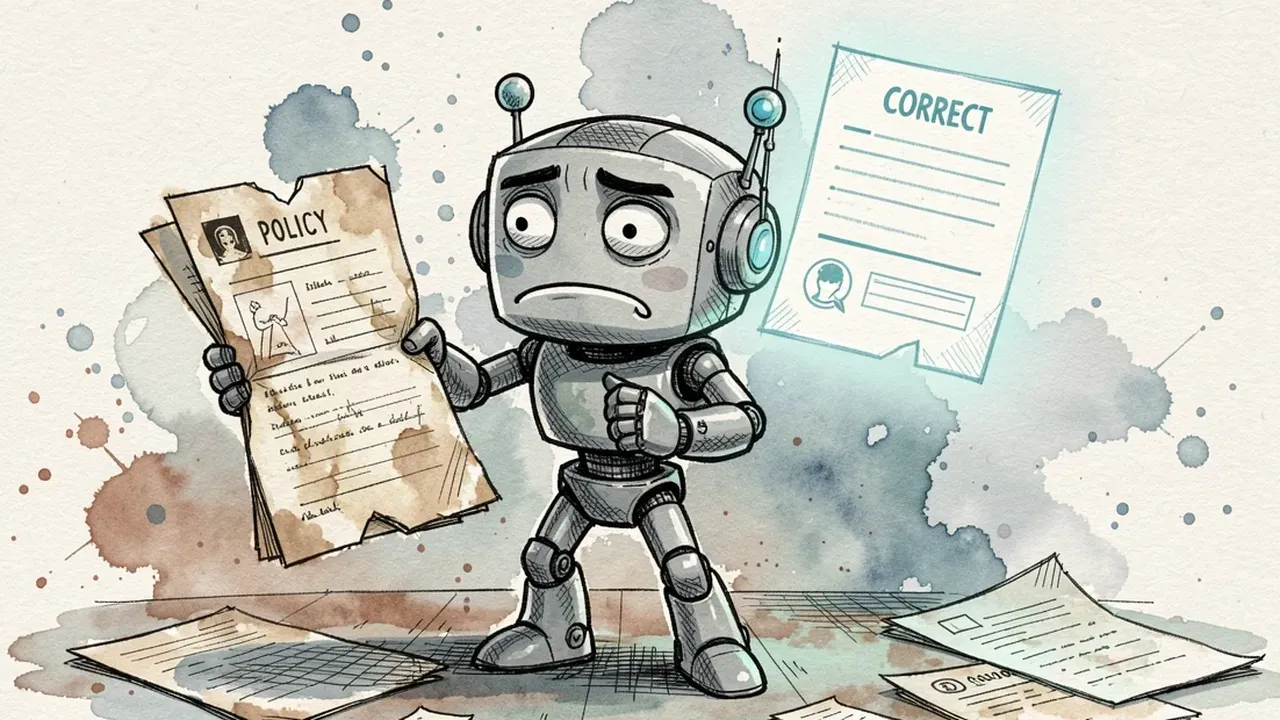
Other mistakes that show up often:
- Turning on full automation from day one. The safer path starts with a few low-risk categories cleared for direct replies, then expands as the team trusts the results.
- Ignoring the questions the agent hesitated on. Every question it struggled to answer well is a signal of a gap in the knowledge base. Ignoring that signal wastes the chance for the agent to actually improve from real use.
- Escalating without context. If the email reaches a human without the triage history attached, the customer has to explain everything again, and the speed AI gained turns into friction on handoff.
- Mixing a personal inbox with the support inbox. Once support email blends with someone’s personal mailbox, there’s no clean way to know what the AI already triaged and what’s still waiting.
Email vs WhatsApp: how to pick the right channel
The answer isn’t picking one channel. Email is the better fit for anything that needs a formal record and attachments, WhatsApp is the better fit for anything that needs an immediate reply, and most support teams that scale end up running both at once.
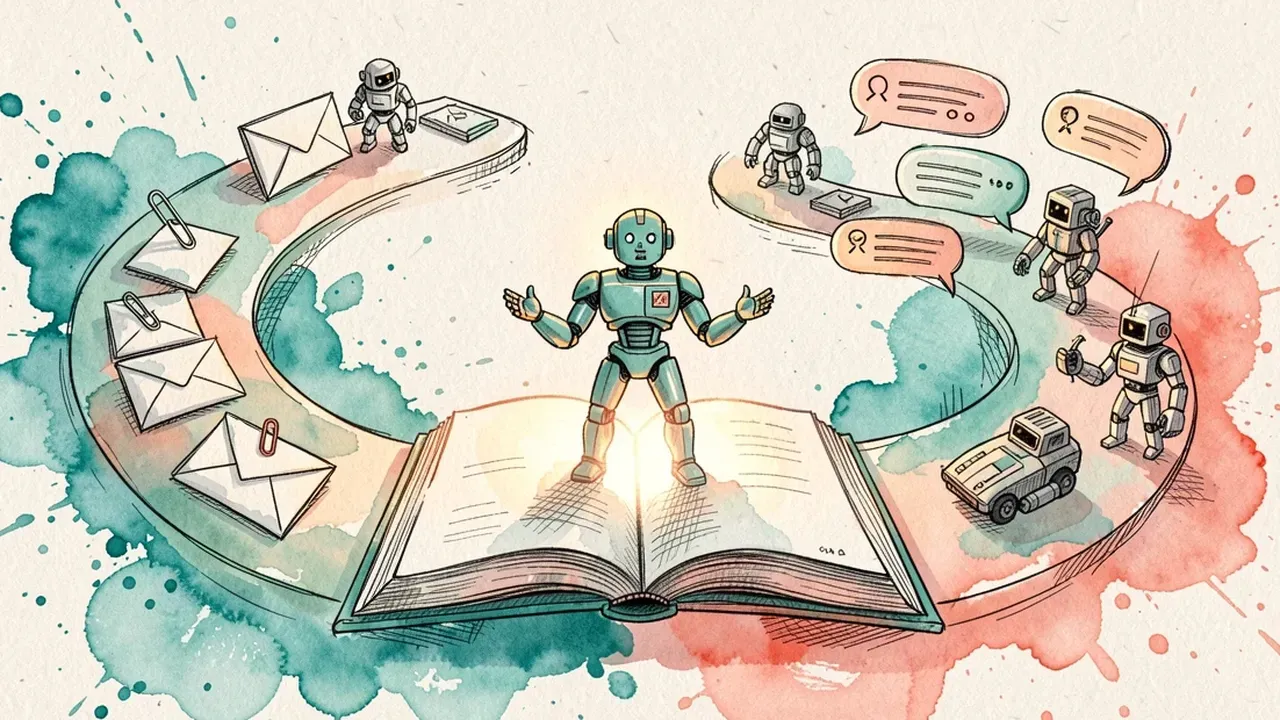
To decide where to invest first:
- Email wins when the topic is formal, involves an attachment (contract, invoice, receipt) or sits in a B2B relationship where the other side prefers things in writing.
- WhatsApp wins when the customer expects a reply in minutes, volume is high and conversations are short, the typical pattern in B2C support.
- The common mistake is treating the two channels as separate systems. The same knowledge base, the same guardrails and the same escalation rules should apply to both, or the customer gets a different answer depending on where they asked.
In practice, a team that already automated one channel has the shortest path to automating the other: the knowledge base already exists, only the integration changes.
Want to clear the repetitive volume out of the support inbox without losing control over what goes out? On SquadOS you import the ready-made Email Assistant from the Gallery, connect your inbox as an integration, upload your company’s knowledge base and turn on anti-hallucination and personal-data guardrails. The agent triages and answers the repetitive part, leaves sensitive cases as drafts for review, and escalates with the full history to the right person on your team.