No-show rate: how automated WhatsApp AI reminders cut missed appointments
No-shows cost clinics, salons and service offices real revenue. See how an AI agent on WhatsApp automates reminders, confirmation and rebooking.
On this page
A no-show is when a customer books a slot and simply doesn’t show up, no warning. In clinics, salons, and service offices, it’s one of the quietest revenue leaks around: the slot sits empty, no one gets served in it, and the fixed cost of that time block (room, staff, equipment) already got paid either way.
Healthcare and beauty management consultancies commonly cite missed-appointment rates somewhere between 15% and 30% of the schedule, depending on specialty, day of the week, and confirmation channel. It doesn’t matter if your real number is 12% or 25%: multiplied across a week, that’s an entire month of lost schedule capacity every year.
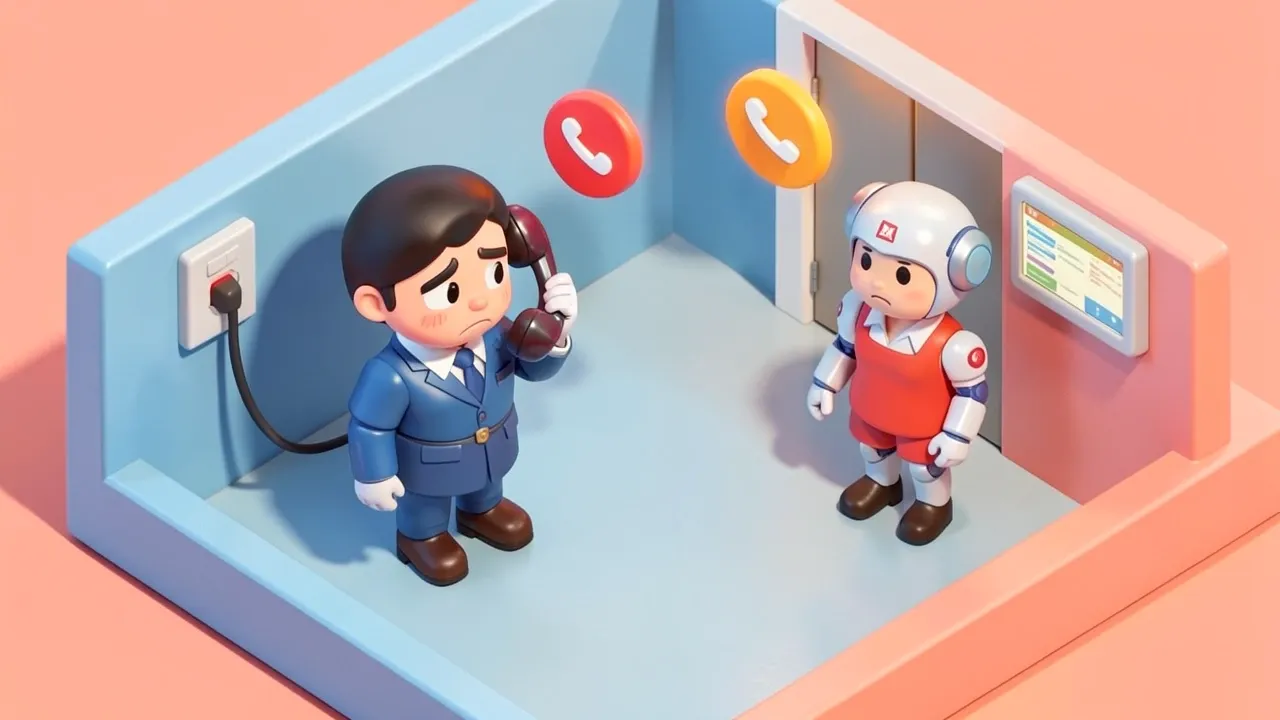
The classic fix is calling the day before. But calling takes effort, depends on someone being free at the right time, and a large share of customers today simply won’t pick up a call from an unknown number.
What a no-show rate is, and why it hurts the schedule so much
No-show rate is the share of confirmed bookings where the customer neither shows up nor cancels with enough notice to fill the slot with someone else.
The reason it hurts so much is timing. A cancellation flagged two days out is just a scheduling adjustment: you can offer that slot to someone on the waitlist. A no-show flagged at the last minute, or not flagged at all, is different: the slot is gone, no one else gets it, and the professional sits idle while the same fixed cost still applies.
That’s why the problem isn’t really “this one customer didn’t come.” It’s that every no-show is a slot some other real customer wanted and couldn’t get.
Why manual reminders fail in practice
Manual reminders fail because they depend on someone remembering to do them, at the right time, for every appointment on the books.
Phone calls have a low answer rate (most people ignore unknown numbers), depend on catching the customer at a moment they’re free, and eat up front-desk time that could go elsewhere. SMS gets read more often, but it’s just text: no one-tap confirm, cancel, or reschedule without calling back. Email is the weakest of the three in a WhatsApp-first market: low open rate, even rarer replies.
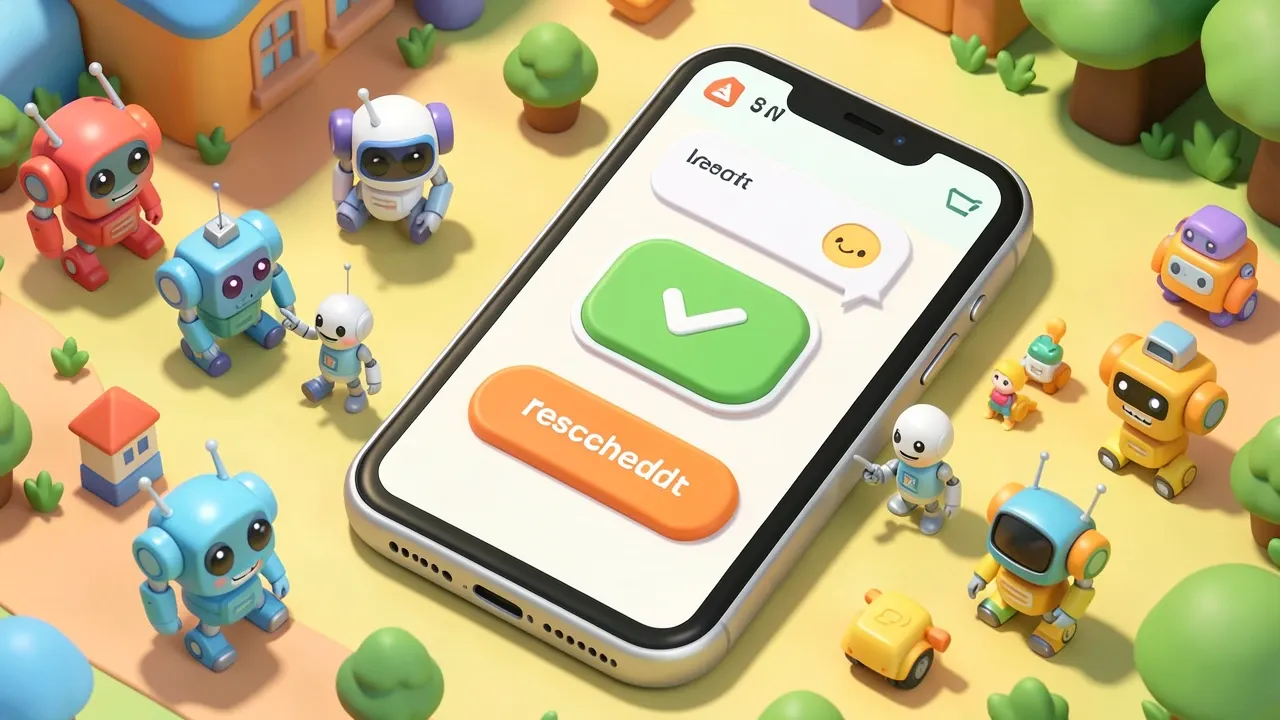
The pattern that actually works is simple: use the channel the customer is already on every day (WhatsApp), automate the send so it never depends on someone remembering, and make confirming a single tap away, no typing required, just “confirm” or “need to reschedule.”
How an automated AI reminder agent works in practice
An automated reminder agent sends the message on its own, at the right moment before each appointment, without the front desk having to remember.
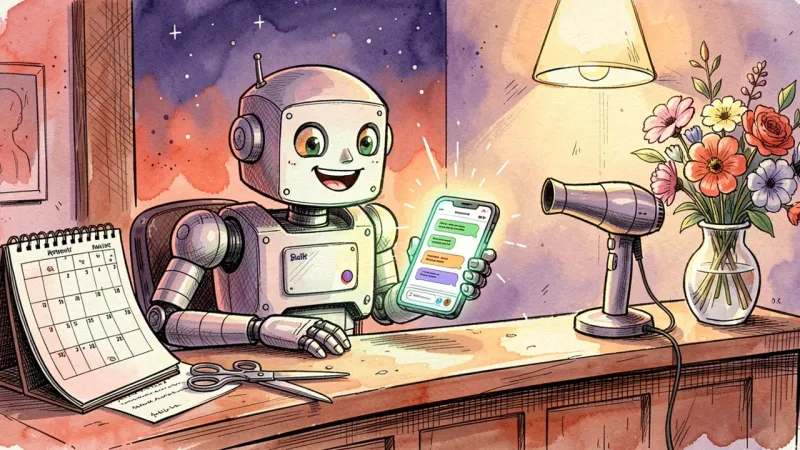
The typical flow: your scheduling system (in-house calendar, clinic management software, even a spreadsheet) feeds the agent with date, time, provider, and customer name. On a set schedule (24 hours out, say, and again 2 hours out for higher-risk slots), the agent sends a WhatsApp message with a clear summary of the appointment and two buttons: “confirm” and “need to reschedule.”
If the customer confirms, nothing else happens, the slot proceeds as normal. If they ask to reschedule, the agent checks the calendar, offers the next open times, and rebooks on its own, no human in the loop. If there’s no reply after a second reminder, the slot automatically drops into the waitlist queue for whoever’s waiting for an opening.
The real win isn’t “sending a message.” It’s closing the whole loop (notice, confirmation, rescheduling, refill) without a person handling every single step.
What to put in the message to actually cut no-shows
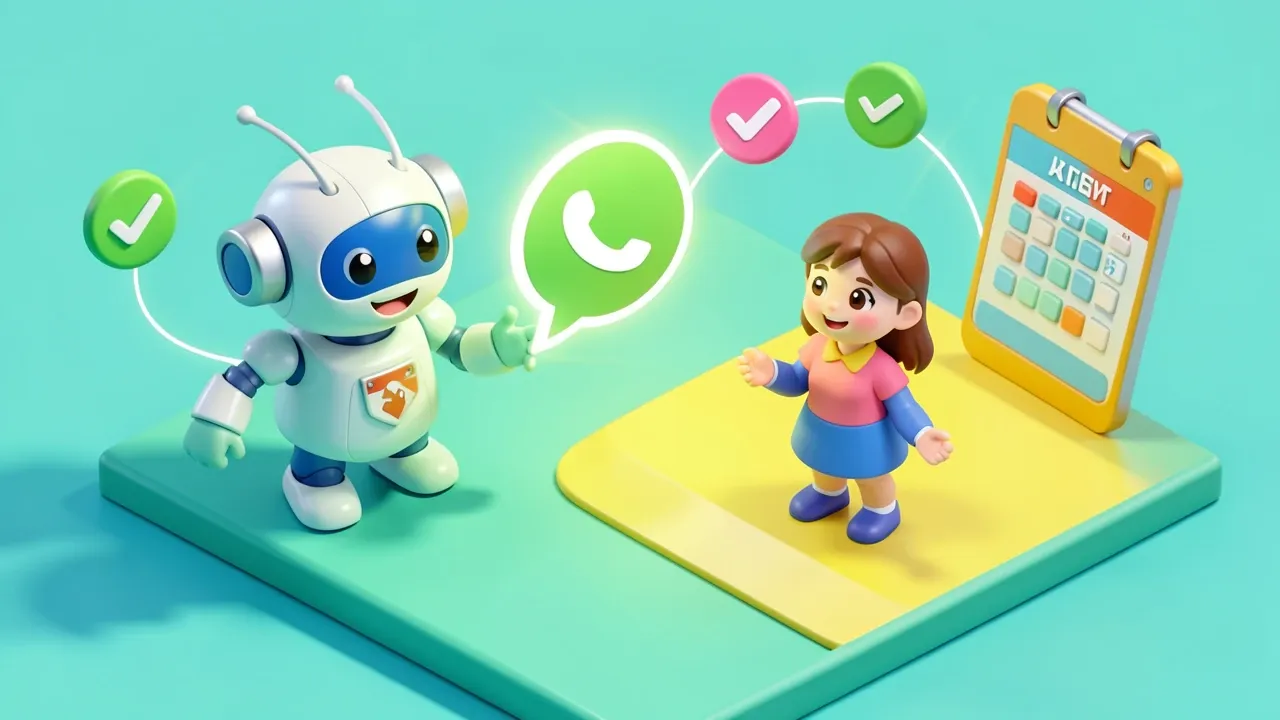
A reminder message that genuinely reduces no-shows has three ingredients: specific context, one-tap action, and a sense of active commitment.
Specific context means naming the provider, the day, the time, and the reason for the visit, not a generic “you have an appointment tomorrow” that disappears among a dozen other notifications. One-tap action means confirm and reschedule buttons built into the message itself, so the customer never has to type a free-form reply someone will have to interpret later. Active commitment means asking for a real confirmation tap, because actively confirming something creates more follow-through than a passive notice the customer can just as easily ignore.
Worth repeating: the point of the message isn’t to pressure the customer. It’s to make both confirming and rescheduling effortless, because a customer who reschedules in time never becomes a no-show statistic. They just become a normal rebooking.
How to measure whether the automated reminder is working
The right metric isn’t how many messages went out. It’s the change in no-show rate, month over month, comparing the period before and after the automated reminder went live.
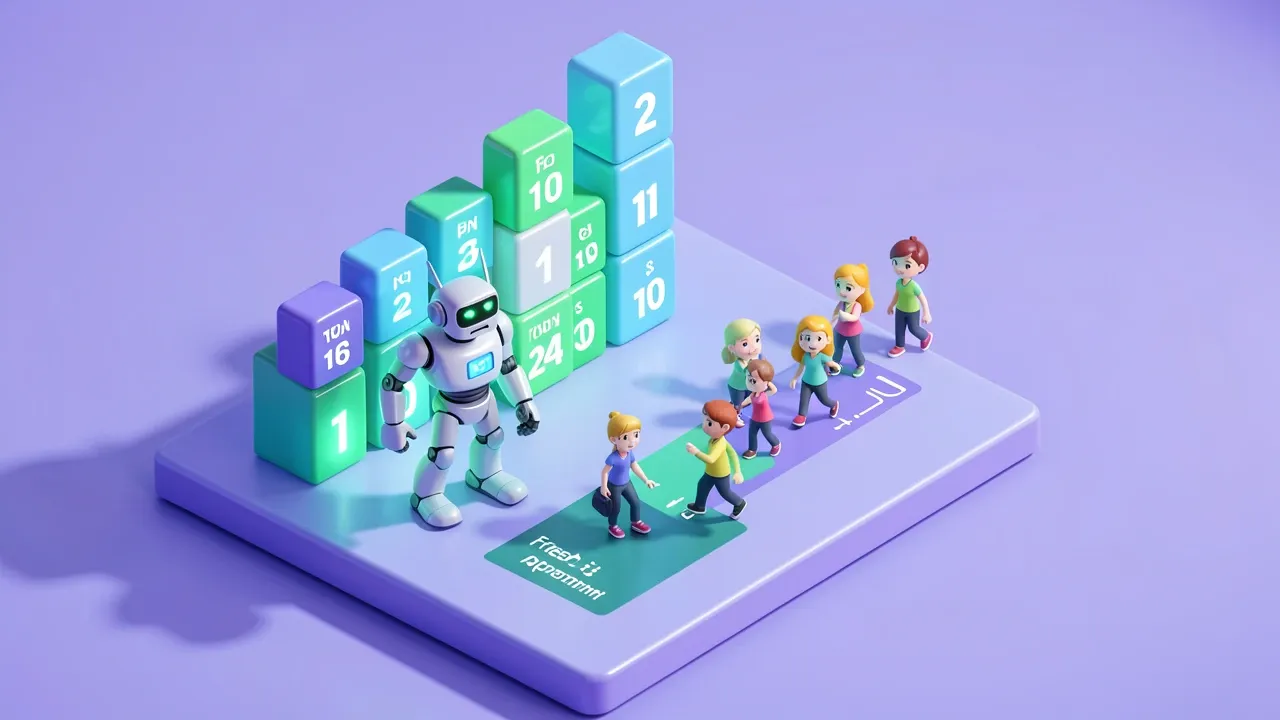
Three numbers are worth tracking together: confirmation rate (how many customers tap “confirm” after the reminder), proactive reschedule rate (how many use the “need to reschedule” button instead of simply not showing up), and refill rate (how many slots freed up by a cancellation get filled by someone else on the waitlist). If all three climb together, the reminder is doing its job: turning silent no-shows into a schedule that reorganizes itself.
If you already know no-shows are eating into your schedule but never put a number on it, the simplest first step is comparing the next four weeks against the previous four, right after turning the automated reminder on.
Getting this flow running doesn’t take a months-long project. SquadOS ships external agents ready to handle support around the clock on WhatsApp, Telegram, and your site, with native guardrails that keep confirmation, rescheduling, and waitlist refill running correctly, without needing someone available all day to run it by hand.