AI Customer Onboarding: How to Activate Accounts Faster on WhatsApp
AI customer onboarding cuts the time to first value. See what an activation agent does, how to build the flow, and what to measure to prove the win.
On this page
A new customer signs up, pays, and disappears. Not because they gave up on the product, but because they got stuck on the first steps: couldn’t find the access link, didn’t understand the next move, sent a question and the answer came hours later. By the time it arrives, the excitement is gone.
Customer success teams know exactly how big this problem is, they just can’t fix it by hand. A personal call works for ten customers, not a thousand. A generic welcome email doesn’t answer a specific question. An AI agent that follows the new customer from first click to first result solves both sides: faster activation and fewer people stuck doing repetitive work.
Why activation stalls in the first week

The first contact with a new product is fragile. The customer doesn’t trust the value yet, is still learning the interface, and any friction becomes a reason to quit. Three things usually break this stage:
- Slow response. The question arrives by email or a form and sits in a queue. The customer wanted to use the product now, not tomorrow.
- Scattered instructions. A video tutorial, a help article, an automated email, each telling part of the story, none guiding start to finish.
- No sense of progress. The customer doesn’t know if they’re doing it right, so they stop halfway and never come back.
The damage shows up directly in the metric that hurts most: time to first value. The longer it drags, the higher the chance of cancellation in the first month, before the customer even sees what the product actually does.
What an activation agent does in practice
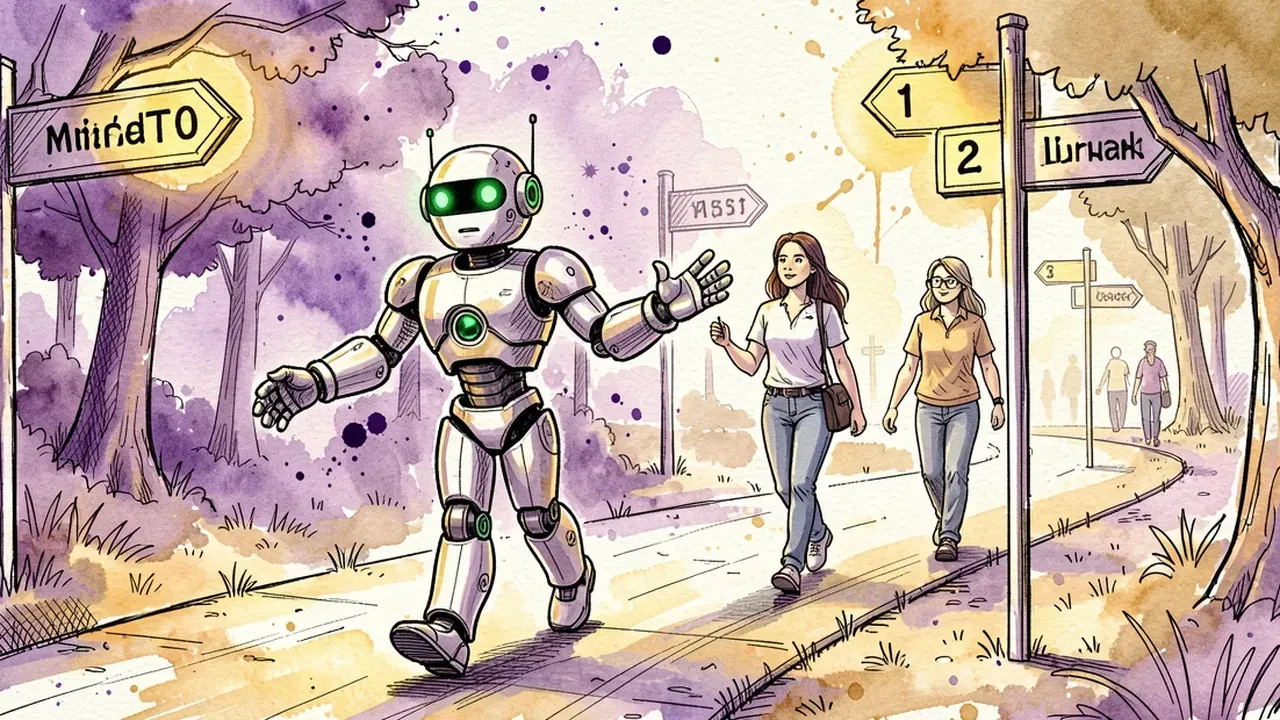
An activation agent is an AI assistant that knows your onboarding flow and follows the customer through whatever channel they already use, usually WhatsApp. It doesn’t replace the customer success team, it clears the repetitive work so that team only steps in where it actually matters.
In practice, it covers:
- Answering questions instantly. “How do I connect my account?”, “where do I see my report?”, “why didn’t I get the confirmation email?”. The questions that repeat at every activation and, answered fast, keep the customer from cooling off.
- Guiding the next step. Instead of sending a full manual, the agent says exactly what to do now, “add your first item”, and confirms once the customer finishes.
- Spotting who got stuck. A customer who hasn’t moved forward in two days gets an automatic nudge, with the most likely question already answered before it’s even asked.
- Escalating what needs a human. A complex technical issue or a sensitive complaint goes to a person with the full conversation history, so the customer never has to repeat everything.
The point isn’t to remove human contact. It’s making sure a person steps in exactly where the agent can’t help, and that no one waits for a reply while their interest cools down.
How to build the automated onboarding flow

You don’t need a months-long integration project. The direct path is:
- Map the steps to first value. What’s the first action that proves the customer “gets it”? A completed profile, a first message sent, a first report generated. That’s the target of the flow.
- Collect the questions that always come up. Pull the ten most repeated first-week questions from your support history. That becomes the agent’s knowledge base.
- Describe the agent in plain language. Say what it is, what tone it uses, and how far it can go on its own before calling in a human.
- Connect the channel the customer already uses. WhatsApp cuts friction because it doesn’t require a new login or a separate app. The customer replies the same way they’d reply to a friend.
- Watch the first real activations and adjust. Every question the agent handled poorly becomes an improvement to the knowledge base. The flow gets sharper with every new customer.
On a conversation-built platform, these five steps fit into a few minutes of setup: describe the agent, upload the onboarding material as a knowledge base, and connect WhatsApp.
What to measure to know it’s working

Automated onboarding is only worth it if it moves the right number. Three metrics tell the full story:
- Time to first value. From signup to the action that defines “activated.” If this shrinks after the agent goes live, the flow is working.
- Seven-day activation rate. How many new customers hit the activation milestone in that window, compared to before the agent.
- Volume reaching the human team. If it drops without hurting satisfaction, the agent is filtering the repetitive work well and leaving the success team free for what actually needs judgment.
Without these three numbers, it’s hard to prove AI onboarding is worth the investment. With them, every tweak to the flow becomes a data-backed decision, not a guess.
Want to activate customers faster without hiring a new team to do it? On SquadOS you build the onboarding agent by chatting in AgentMaker, upload your activation material as a knowledge base, and connect WhatsApp directly. AutoLearn catches every question the agent answered poorly and turns it into an automatic improvement for the next activation.